
Indie game storeFree gamesFun gamesHorror games
Game developmentAssetsComics
SalesBundles
Jobs
TagsGame Engines

You make the game. WAZO makes 3D easier.

A topic by Ngongo-B created 17 days ago Views: 194 Replies: 6
Viewing posts 1 to 6
(+1)

Indie game developers: what do you use when you need to create a simple 3D asset?

I'm building WAZO3D, a browser-based 3D modelling tool for people who need to create things without becoming professional 3D artists.

WAZO combines the simplicity of SketchUp with the features you wish Blender had.

Need a crate, building, piece of furniture, sci-fi panel, environment prop, or some strange object you came up with for your game?

That's what WAZO3D is being built for.
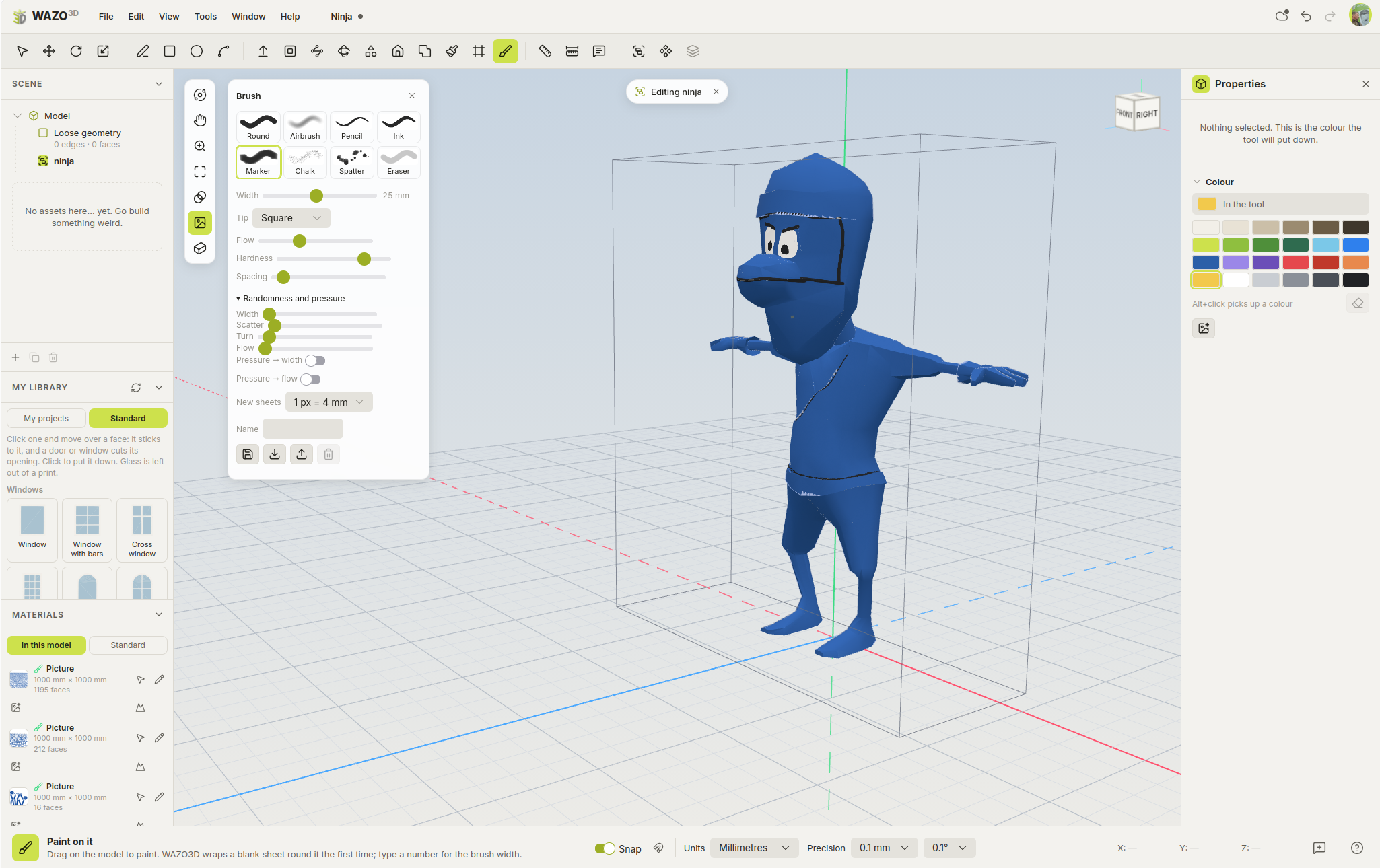

The WAZO3D Early Community is now open.

Anyone can join. Sign up on the website to become a WAZO tester. By using WAZO, testing new features, reporting bugs, sharing ideas and helping other community members, you can earn Test Creds.

Test Creds will unlock a lifelong discount on the Wazo Power version.

You won't just be testing a product. You'll be helping shape it and earning rewards for being part of the early community.

If you're an indie developer, I'd love to know:

What would you want a simple 3D modelling tool to do that Blender doesn't make easy?

Want to try WAZO3D? Visit https://wazo3d.com

WAZO3D. Make something awesome.

Moderator moved this topic to General Development
Moderator

(moved to the right category)

(+1)

Is this tool only directed at indie game devs?  I'm still not sure that what I am planning will be a game or a simple animation, hence my question.

(2 edits) (+1)

It is for anyone who is looking for simplicity AND enough features to create what he or she envisions. It also has features to make 3D printing easier and it was first designed for TRAX3D, my 3D model railroad layout tool.

So sign up as tester, tell me what you are using it for and what you need. I will try to implement all requested features that fit with the basic concepts of Wazo3D.

(+1)

I see, thank you. I will sign up then. I was just curious if it was only for a specific audience. ^^

(+1)

I have just uploaded my first Wazo tutorial. Have a look:

(+1)

Woah, amazing! Ooh, so that's how you use the "follow me" tool ^^' I hadn't figured it out yet, my bad ^^'

Oh, that's how I can make the cat's tail! ^^ Thank you! It already helped a lot!