

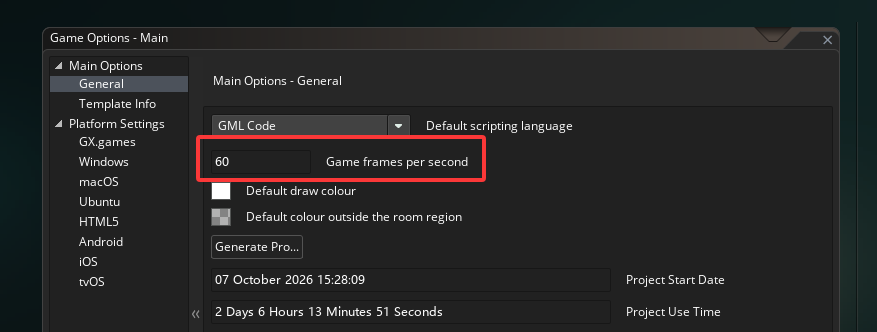
fps_real is merely the maximum frame rate that could theoretically be achieved based on the running time of each event. In reality, games usually do not maintain such a high frame rate. The actual frame rate can be referred to : game_get_speed
fps_real is merely the maximum frame rate that could theoretically be achieved based on the running time of each event. In reality, games usually do not maintain such a high frame rate. The actual frame rate can be referred to : game_get_speed
Sorry, I misunderstood your request. Could you clarify what you mean by reducing memory usage? Are you asking me to optimize the extension’s memory usage, or do you need to use UltraDestroyModel to unload models you aren’t currently using? Keeping multiple models loaded at once can use quite a lot of memory, especially when they have a large number of vertices.
If you want to update the model once every two or three game steps without changing the animation speed, you can try this:
Create event:
updateModel = 0;
time_begin = current_time;
Step event:
if (updateModel == 0) {
    UltraModelUpdate(model, (current_time - time_begin) / 1000);
    time_begin = current_time;
}

updateModel += 1;
if (updateModel == 2) { // Change 2 to 3 to update every three steps
    updateModel = 0;
}
This passes the time elapsed since the previous update, so the animation should keep roughly the same playback speed while updating less often.