Indie game storeFree gamesFun gamesHorror games
Game developmentAssetsComics
SalesBundles
Jobs
TagsGame Engines

hillhillhill

5
Posts
3
Topics
2
Followers
4
Following
A member registered 11 days ago · View creator page →

Creator of

Recent community posts

(1 edit)

Mobile controls update: SPINOKO now has an analog stick in the browser player. You can steer with direction and strength, with a D pad underneath the stick and the skill buttons on the right.

Been learning about GPIO to get this working. JS in the HTML wrapper passes the stick position into the cart, while menus still use digital directions.

Play free on your phone

I posted the screenshot and a short explanation here.
(1 edit)

Been learning about GPIO while adding analog mobile controls to a PICO 8 web export. Sharing the approach in case someone else is trying custom inputs.

The stick lives in the HTML wrapper. JS tracks the touch relative to its centre, applies a dead zone, and produces X and Y values with direction and strength.

pico8_gpio gives the page 128 shared bytes, mapped to 0x5f80 through 0x5fff in the cart. Choose unused bytes for your inputs. I used 116 to 123 for two positions and 127 for an active marker.

Each axis needs four bytes in PICO 8's signed 16.16 format. Here is the JS packing step:

function writeAxis(offset, value) {

  const fixed = Math.round(value * 65536);

  for (let b = 0; b < 4; b++) {

    pico8_gpio[offset + b] = (fixed >>> (b * 8)) & 255;

  }

}

writeAxis(116, stickX);

writeAxis(120, stickY);

pico8_gpio[127] = stickActive ? 165 : 0;

Then in the cart:

if peek(0x5fff)==165 then

 x,y=peek4(0x5ff4,2)

end

The addresses and 165 marker are just choices for this implementation. Feed the positions into your existing movement code while active, and keep your normal inputs otherwise. This example leaves out the touch handling and stick drawing.

Clear the axes and marker when the touch ends, is cancelled, or the page loses focus. That part matters or the last direction can get stuck. Menus can still use digital directions.

Manual: https://www.lexaloffle.com/dl/docs/pico-8_manual.html

Has anyone used GPIO for accessibility inputs or other custom web controls? Interested in what people have connected to it, and any input handling pitfalls you ran into.

Thanks for catching this! Fixed in v0.9.3. Ghost now starts recharging after the phase ends, so it can’t stay active forever. Really appreciate you playing and sharing this!

I have been working on Spinoko recently and got some helpful feedback!

One player missed the helpful upgrade descriptions and launch timing mechanics. I’m so used to playing it that I hadn’t noticed how easy those were to miss.

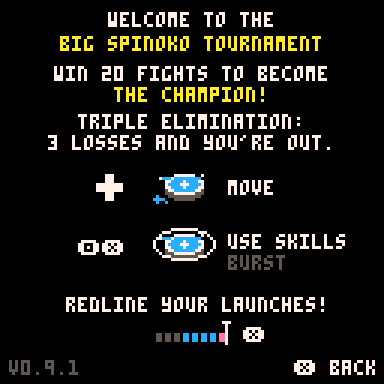
Made the UI easier to spot, added green and red to the stat changes, and put the launch meter in How to Play.

Still figuring out the difficulty. The opponents give me  a ton of trouble haha.

How do you decide when your game is done? Every time I play I find something else I want to change.


https://hillhillhill.itch.io/spinoko


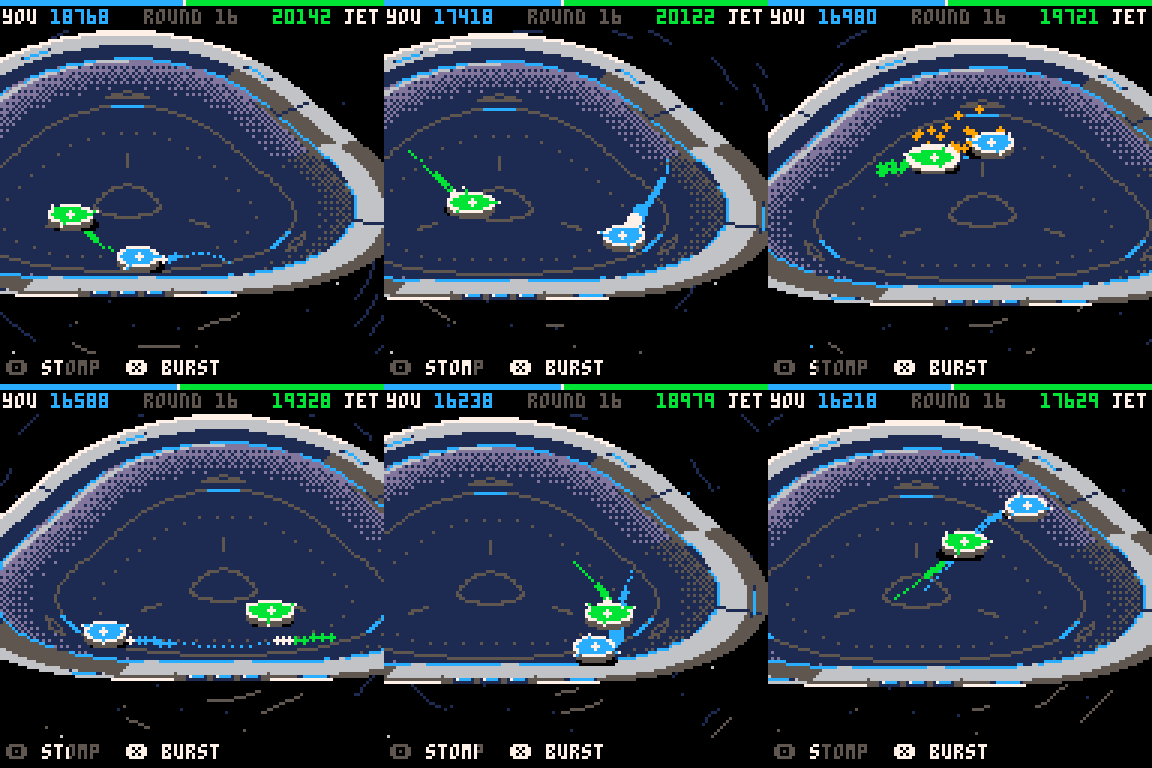
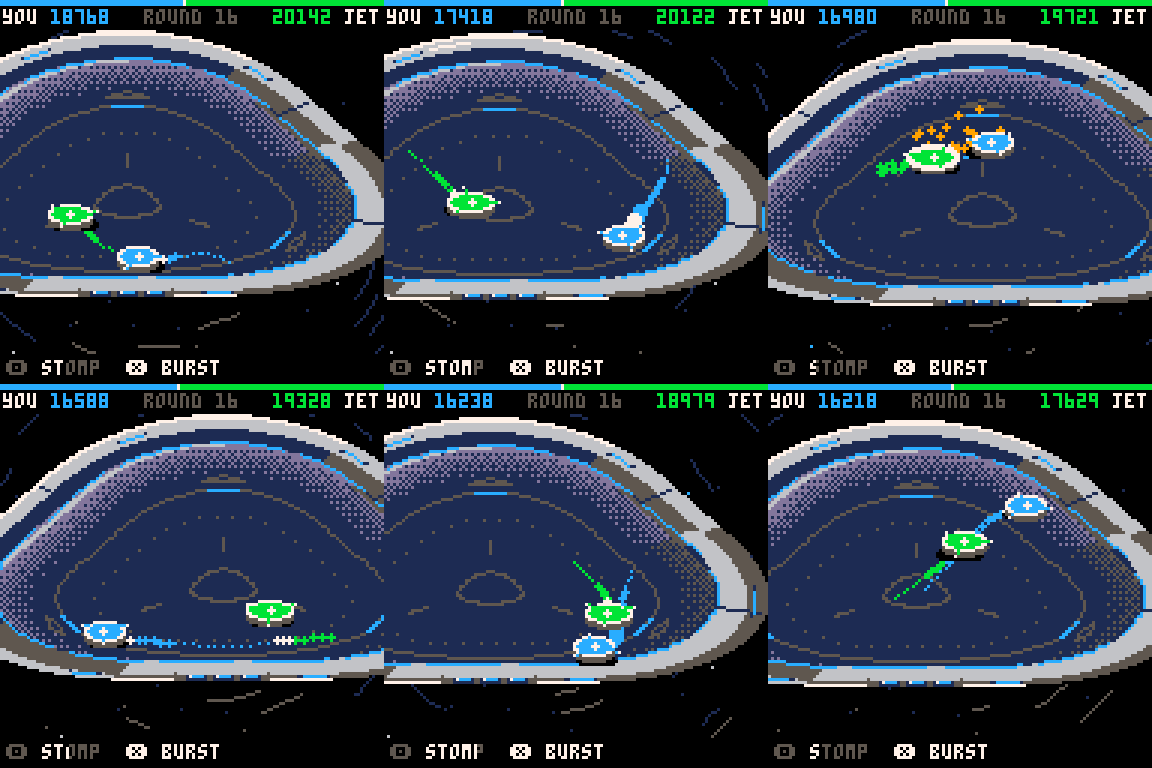
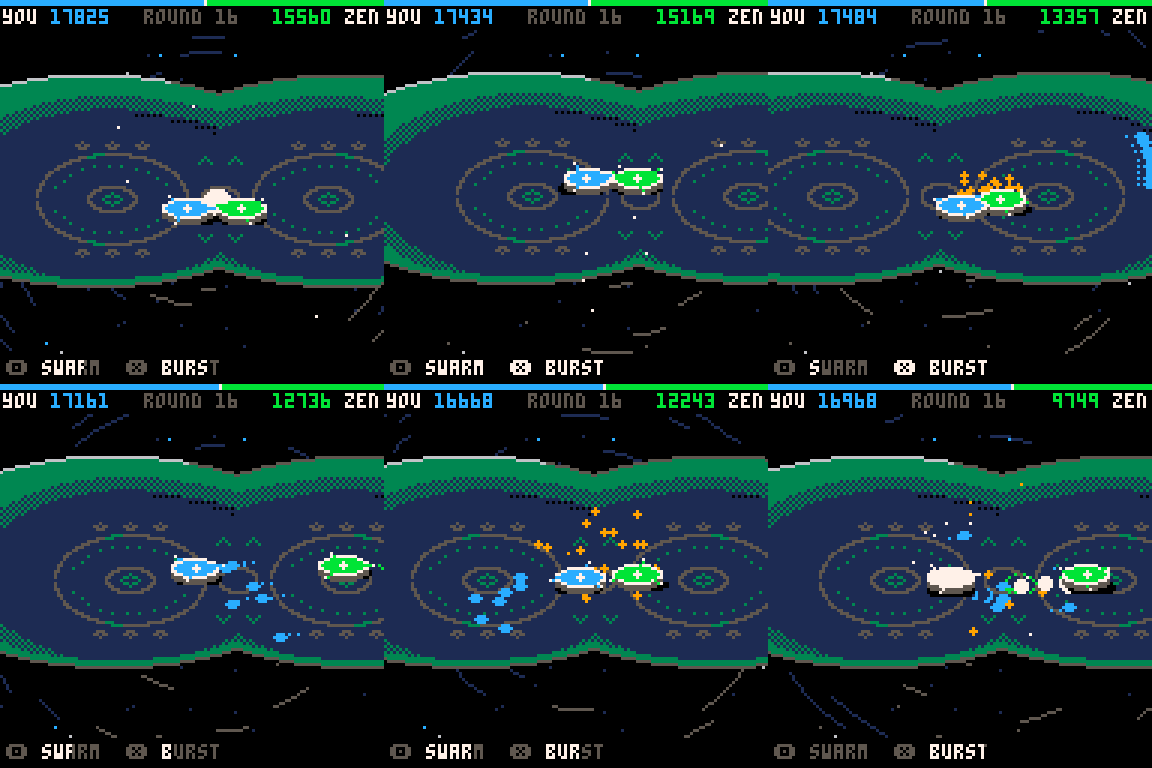
I just released Spinoko, a little spinning top battle game made in PICO-8. You compete in a tournament and pick upgrades between matches.

Play Spinoko 

I’ve spent a lot of time tweaking how the tops feel when moving and hitting, and balancing the upgrades so different strategies are worth trying. I’d like to hear how it feels to other people.

Which abilities did you enjoy using? Did any upgrades feel too strong or too weak?

It’s free to play in your browser, with Windows, Mac and PICO-8 downloads too.

Play Spinoko