On Sale: GamesAssetsToolsTabletopComics
Indie game storeFree gamesFun gamesHorror games
Game developmentAssetsComics
SalesBundles
Jobs
TagsGame Engines

Northleaf Studio

18
Posts
17
Topics
5
Followers
A member registered 27 days ago · View creator page →

Creator of

Recent community posts

A room transition can interrupt itself: the player approaches a doorway, then immediately backs away. Restarting the two sounds or creating a fresh fade from an assumed endpoint can make that reversal audible.

One approach is to start two looping layers together, keep them running, and move a single current blend toward its latest target. Zone changes update only that target. In this example, 0 is rain, 1 is campfire, and 0.5 is the doorway.

func set_target(value: float) -> void:
    target_mix = clampf(value, 0.0, 1.0)

func _process(delta: float) -> void:
    if started and delta > 0.0:
        mix = move_toward(mix, target_mix,
            delta / maxf(fade_seconds, 0.001))
        apply_gains()

That is the transition excerpt, not the full controller. In apply_gains(), use cos(mix * PI / 2) for layer A and sin(mix * PI / 2) for B, multiplied by each layer's base level and a mute factor. Start quietly and leave headroom. At the midpoint both weights are about 0.707: an equal-power curve does not guarantee equal perceived loudness across different recordings.

Integration checks worth trying:

  • Reverse direction halfway through a fade. The current blend should continue from where it was, and neither loop should restart.
  • Leave both sources running through their loop boundary and listen in the actual game.
  • Mute and unmute. Decide whether you want to preserve position; this example changes gains while playback continues.
  • Stop and start again. This deliberately restarts both sources, unlike a zone change.
  • For a browser build, test from a fresh session with a real click or tap to start audio. Editor playback alone does not test browser autoplay permission.

Complete free Godot example, explanation and browser audition. The guide includes the actual Godot source project; its small browser audition is a separate Web Audio implementation of the same technique. On phones, choose itch's Run asset pack, then Start audio.

Disclosure: this is a Northleaf Studio resource, with AI-assisted code/writing and procedural audio. Only our two existing free rain/campfire loops are included. New example code is MIT; the sounds keep their original commercial-project/no-sound-pack-resale license. No purchase is required. The complete project was tested in Godot 4.7.2 on Linux; other versions and physical phones are unverified.
(1 edit)

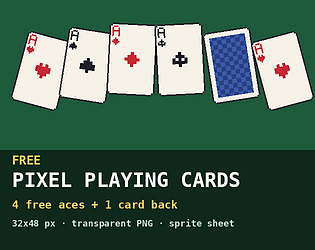
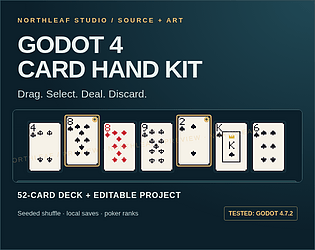
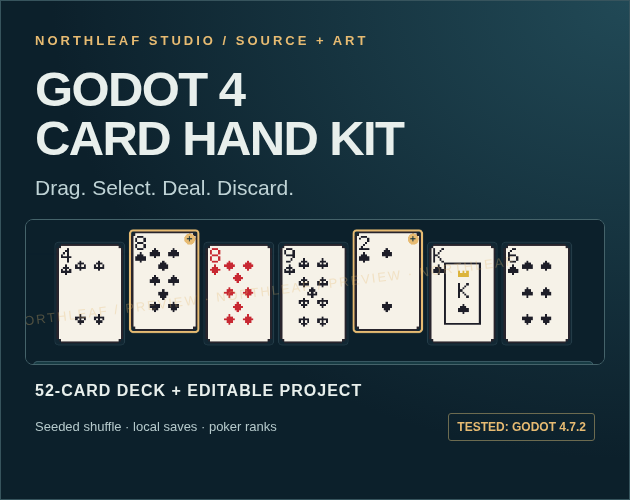
Northleaf's playing-card pack now includes a standalone Godot 4 card-hand and deck toolkit: a working source project with a responsive hand, drag reordering, discard drop zone and local saves.

Play the free browser preview · Full toolkit, complete pixel deck and current price

Godot 4 Card Hand Kit: drag, select, deal and discard; 52-card deck and editable project

  • Click/tap selection and keyboard controls; drag cards to reorder or discard.
  • Seeded shuffle, capped draws, deck/hand/discard piles and explicit recycling.
  • Five-card poker categories and tie-break kickers; local JSON save/load with validation.
  • 52 pixel card faces, 2 jokers, 4 backs and an integration guide in the full source project.

The browser build is the actual Godot project, using four free ace sprites and labelled sample faces for the other ranks. The original five-image free ZIP remains downloadable. The complete editable project is paid and uses the full pixel deck.

Tested in Godot 4.7.2 standard/GDScript and desktop/touch browser previews. New code: MIT. Artwork: commercial-game use, no resale as an asset pack. Existing owners retain the old downloads and get the new project on the same listing. AI-assisted code and procedural art are disclosed on the product pages.

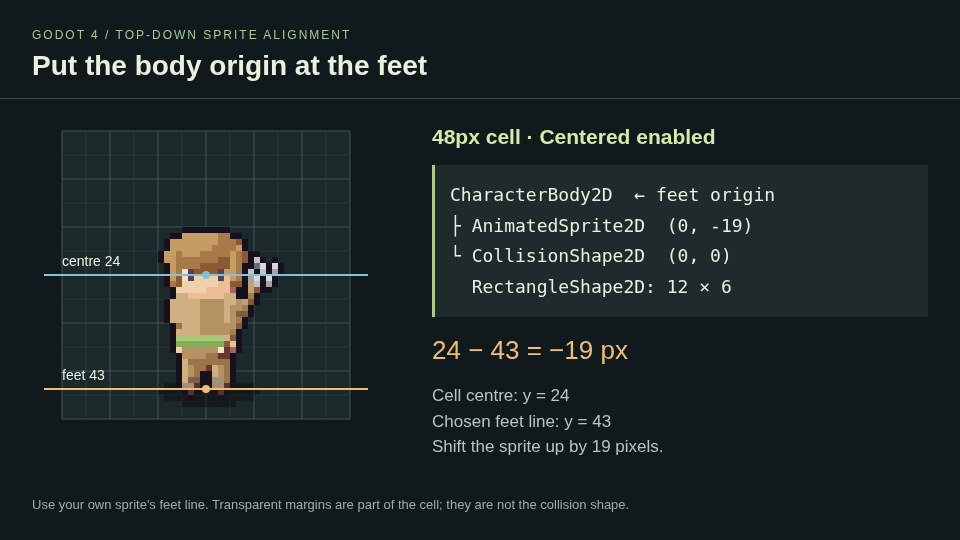
A top-down sprite often has transparent space around the character. Using the whole cell as its collision shape can make it hit walls while the visible character is still some distance away. A useful setup is to put the body origin at the feet, then offset the visual child.

In this example the cell is 48×48, its centre is y = 24, and the chosen feet line is y = 43. With Centered enabled, the sprite's local Position Y is 24 - 43 = -19. The body and feet collider can stay at (0, 0).

48px sprite cell with centre at24, feet at43, and scene tree showing an AnimatedSprite2D offset of minus19 pixels

  1. Use a CharacterBody2D as the moving root. Add a CollisionShape2D with a small rectangle around the feet; this example uses 12×6 at local (0, 0). Tune that size for your art and game.
  2. Add an AnimatedSprite2D child. Keep Centered enabled and set its Position to (0, -19) for this particular sheet. Keep the same cell size and chosen feet line across animations.
  3. Use Floating motion mode for top-down movement. It treats collisions as walls rather than introducing floor/ceiling behaviour.

For example, merge these settings into your controller's existing _ready(); sprite is the AnimatedSprite2D child:

@onready var sprite: AnimatedSprite2D = $AnimatedSprite2D

func _ready() -> void:
    motion_mode = CharacterBody2D.MOTION_MODE_FLOATING
    sprite.centered = true
    sprite.position = Vector2(0, -19)
    sprite.texture_filter = CanvasItem.TEXTURE_FILTER_NEAREST

Your movement still belongs on the body: set velocity and call move_and_slide(). Input.get_vector() is useful for keeping diagonal speed consistent. The sprite is just the visual child, so it follows the body's movement while keeping its offset.

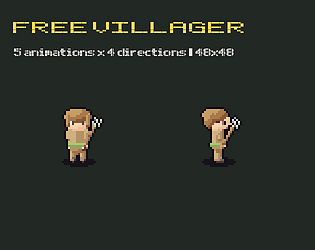
Checked in a fresh Godot 4.7.2 project with a free 48px villager: four walk/idle facings, equal diagonal/cardinal speed, feet offset, and collision against a static wall. The diagram is a cell-alignment illustration, not a screenshot of Godot's collision debugger.

The -19 is specific to this sheet, not a universal RPG setting. Use your own frame size, chosen feet point and collider dimensions. For a centred cell, the vertical offset is cell_height / 2 - feet_y.

References: CharacterBody2D motion modes and Input.get_vector.

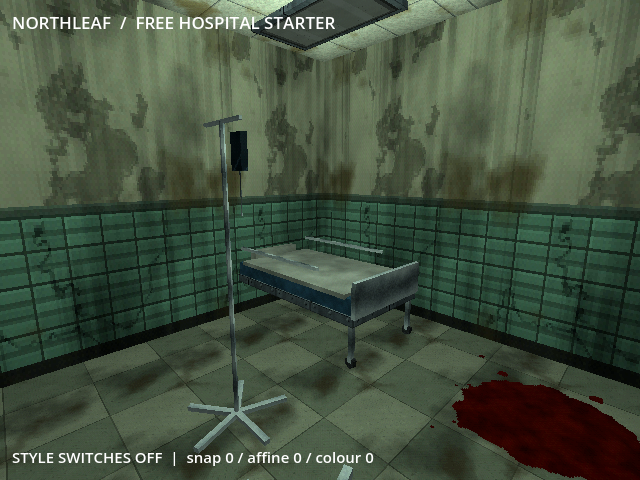
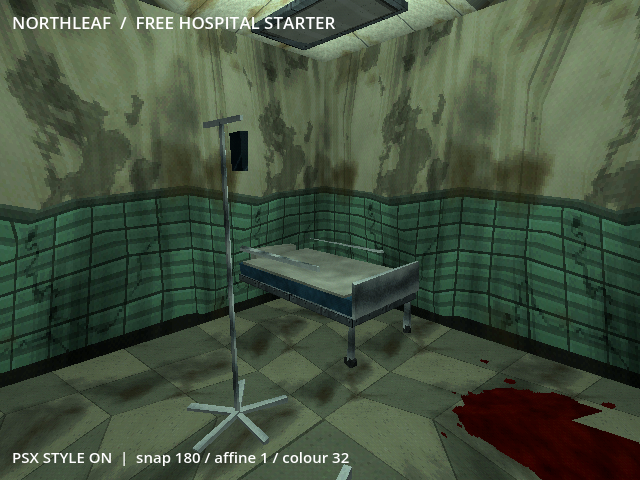
Here is a 4 × 4 m hospital room assembled from Northleaf Studio's nine free modular pieces, rendered in Godot 4.7.2. Both views use the same camera, meshes, textures and light.

Style switches off: vertex snapping, affine texture warp and colour quantization are zero. Nearest texture filtering and vertex lighting stay on.

Godot hospital room with PSX style switches off

PSX style on: a 180-pixel vertex grid, full affine interpolation and colour quantization at 32.

Godot hospital room with PSX style switches on

The floor is a useful test surface: large triangles show the texture warp much more clearly than small props. The mesh silhouette also steps across the vertex grid as the camera moves. For a steadier result, try a higher snap resolution and an affine strength between zero and one.

To reproduce the comparison in the free Godot starter, select the scene root with psx_apply.gd and set these exported values in the Inspector before running:

SettingOff viewOn view
snap_resolution0180
affine_strength01
color_depth032

The room's floors cover 2 × 2 m cells and meet at grid corners; the wall and door pieces use the same 2 m grid. The door leaf's origin is at its hinge, so it rotates without sliding sideways.

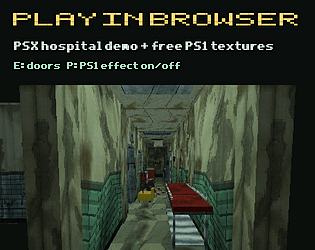
The free Godot starter and browser corridor demo are here. In the browser demo, P switches its PS1-style effect on and off. The stills above are native Godot captures from the downloadable starter. Its models, textures, shaders and scripts allow commercial games; don't redistribute the models or textures as an asset pack.

Made with AI assistance, as disclosed on the asset page.

Two free Northleaf Studio sets for the list:

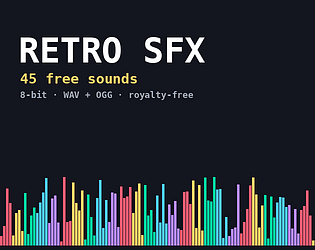
  • 45 retro game sound effects: three variants in each of 15 categories, including coins, lasers, explosions, jumps, footsteps, menu clicks, confirms and errors. The page has a browser sound previewer.
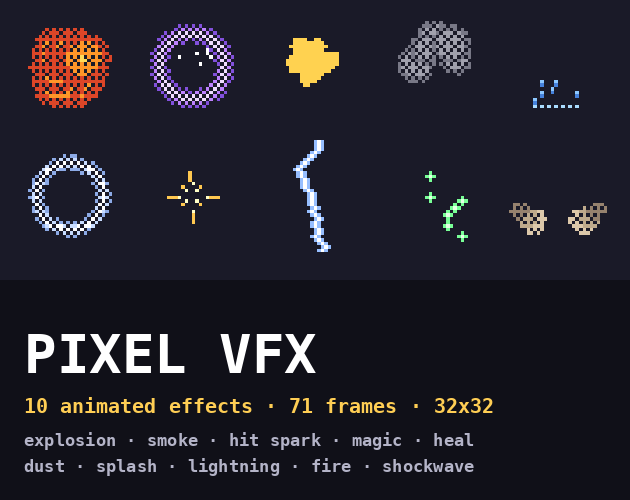
  • 24 magic and sci-fi effects: spell casts, fireballs, ice, healing, portals, alarms, scanners, robots and sci-fi doors, with two variants per category.

Both downloads contain WAV + OGG and allow personal and commercial games without required credit. Please don't redistribute the sounds as a sound pack. Their pages also link to larger paid packs; these samplers remain free.

Disclosure: these are our packs. The sounds are synthesized procedurally from code written with AI assistance.

For a Ghost in the Machine game that still needs computer noises: this free sampler has 24 retro sounds, with two variations each of alarm, scanner, robot beeps, sci-fi door and eight magic/sci-fi categories.

Download the free Magic & Sci-Fi sampler. The same page has a separate Northleaf-SFX-Godot4-FREE.zip helper; both downloads are free. WAV and OGG are included, so other engines can use the sounds too.

Godot 4 setup:

  1. Copy the sampler's OGG folder into res://northleaf_sfx/free/OGG/, keeping the category folders inside it.
  2. Copy the helper's sfx.gd into your project and add it under Project Settings → Globals → Autoload, named Sfx.
  3. Trigger a category when an event happens:
Sfx.play("scanner", -8.0)     # terminal scans something
Sfx.play("robot", -8.0)       # machine answers
Sfx.play("alarm", -10.0)     # something went wrong

The helper chooses a variation and avoids the same file twice in a row. Those category names and all 24 samples were checked in a fresh Godot 4.7.2 project. Test audio in your exported browser build too, after the player's first interaction.

Free for personal and commercial games, no credit required; no redistribution as a sound pack. AI-assisted procedural sound synthesis and code; disclose use in your jam entry.

If your DREAM game needs NPC dialogue or a shooter section, these two free downloads include working Godot 4 setup rather than just loose sprites.

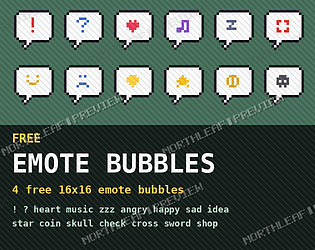
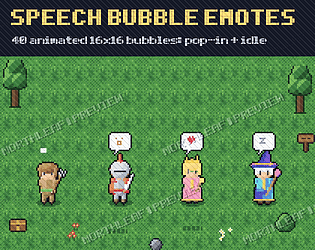
Speech balloons: two nine-slice pixel dialogue balloons (light and dark), tails, a continue arrow and a SpeechBalloon node with typewriter text. Download Northleaf-Speech-Balloons-FREE.zip from the free speech-bubble page. Keep its folder name when copying it into your project.

Inside an NPC's _ready():

var Balloon = preload("res://Northleaf-Speech-Balloons-FREE/speech_balloon.gd")
var balloon = Balloon.new()
balloon.position = Vector2(0, -24)
add_child(balloon)
balloon.say("Is this still a dream?")

balloon.skip() reveals the rest of the line; balloon.close() hides it. The light and dark setup was checked in a fresh Godot 4.7.2 project.

Bullet patterns: the free space starter includes six animated bullet strips and Northleaf-Bullet-Patterns-Godot4.zip, a small project with ring, spiral and aimed-fan patterns. Its browser demo shows the sprites moving before you download.

The samples are free for personal and commercial games; no credit required. Don't redistribute them as asset packs. The free pages link to the full packs if you need more variations.

AI-assisted procedural art and code. Include the appropriate disclosure in your jam entry.

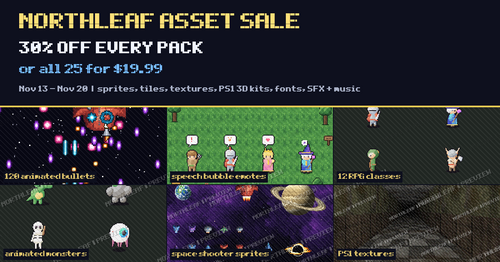
Northleaf asset sale: 30% off every pack, or all 25 for $19.99

Northleaf's 25 game-asset packs are 30% off through November 20, or $19.99 for the full bundle ($91 at regular prices).

Browse the sale and see every included pack.

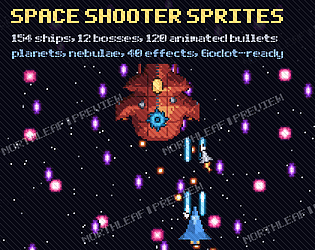
  • Space shooters: 154 ships, 120 animated bullets, planets and effects.
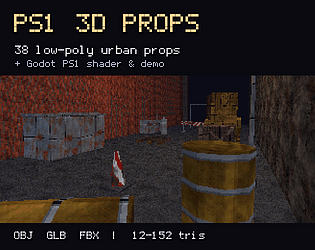
  • Retro 3D: a PSX hospital environment, 38 low-poly urban props, PS1-style textures and skies.
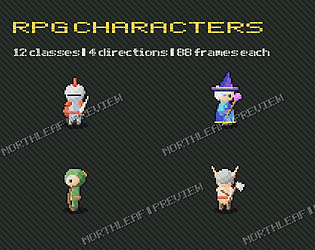
  • 2D: characters, monsters, tilesets, speech bubbles, UI, icons, fonts and backgrounds.
  • Audio: retro SFX, magic and sci-fi sounds, music loops, jingles and ambience in WAV and OGG.

You can try the style before buying: play the space shooter, walk through the hospital, or listen to the sound sampler in your browser. The free pages also include downloadable samples.

Selected packs include Godot 4 integration files. The base PNG, audio and model files work in other engines that support their formats. Royalty-free for commercial games, with no credit required; no asset-pack redistribution.

If your SHIFT idea is a shooter (colour-shift bullets, phase shifts, gravity shifts...), this might save you a day:

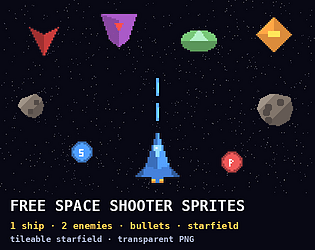
  • A player ship, 2 enemies, an asteroid and a tileable starfield (transparent PNG)
  • 6 animated bullet strips (orb, laser, impact in cyan and red), with dark outlines so they read on busy backgrounds. Two colours are all a polarity / colour-shift mechanic needs.
  • A small Godot 4 project with ring, spiral and aimed-fan patterns (MIT code), tested in Godot 4.7
  • A playable browser demo, to see it all moving

Free for commercial use, and fine to commit to your Game Off repo as part of your game: https://northleafstudio.itch.io/free-space-shooter-sprites

Tutorial for the patterns: Bullet hell patterns in Godot 4

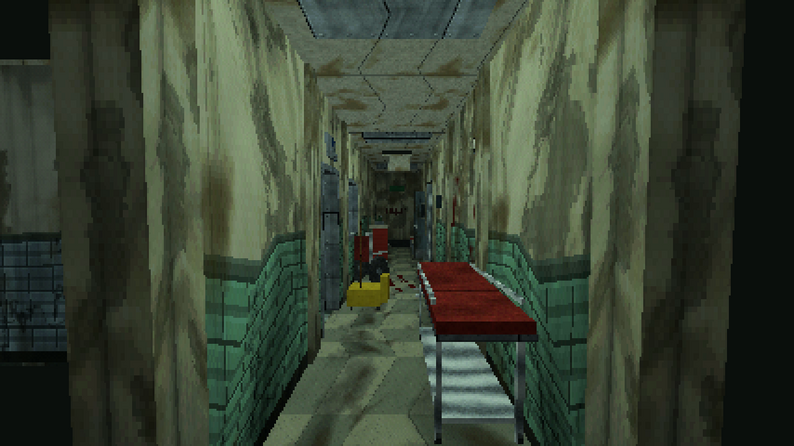
PS1-style hospital corridor built from the kit

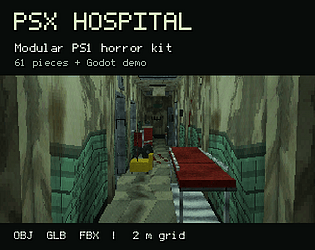
I just released a modular PS1-style hospital kit for night-shift and survival horror games: PSX Abandoned Hospital Kit.

What's in it

  • 28 modular pieces on a 2 m grid: ward walls, door and window walls, a double door, floors, ceilings (one broken), stairs with railings, a landing and a pillar
  • 27 props: hospital bed, gurney, wheelchair, IV stand, crash cart, operating table, surgical lamp, morgue cabinet, body bag, X-ray lightbox, reception desk, waiting chairs, signs and more
  • 6 cut-out decals: blood pool, smear, handprint, footprints, grime and a "HELP" scrawl
  • OBJ, GLB and FBX with small textures meant for Nearest filtering
  • A Godot 4 PS1 shader (vertex wobble, affine texture warp, 15-bit colour) and a ready-made demo level
  • Doors pivot at their hinges, and the README documents the grid and lists triangle counts

Try it first: the page has a free "Download demo" with 9 pieces (ward walls, a door, floor, ceiling light, bed, wheelchair, IV stand and a blood decal), so you can check scale and style in your engine before buying. The full kit is $6.

Feedback on what pieces you'd want next is welcome.

Made with AI assistance.

(1 edit)

Hi jammers! If your SHIFT idea is a night shift somewhere you really shouldn't be, these free samples might save you a few days of modelling or sound work.

Free for commercial games, credit welcome but not required.

3D, PS1 / PSX style (GLB with embedded textures + OBJ; set texture filtering to Nearest)

  • PSX Abandoned Hospital: use the free "Download demo" button for 9 modular pieces on a 2 m grid: ward walls, a door that pivots on its hinge, lino floor, ceiling light, bed, wheelchair, IV stand, blood decal.
  • PS1 Style 3D Props: free "Download demo" with a crate, pallet, rusty barrel, trash can and traffic cone.

Audio (WAV + OGG; OGG is the safe choice for web builds)

2D

GitHub note: you're welcome to commit these free samples to your public Game Off repo.

The full packs go further (the hospital kit has 61 pieces including stairs, morgue and surgery rooms, plus a Godot 4 PS1 shader and demo level). The free files above work on their own, though.

Good luck with SHIFT!

Made with AI assistance.

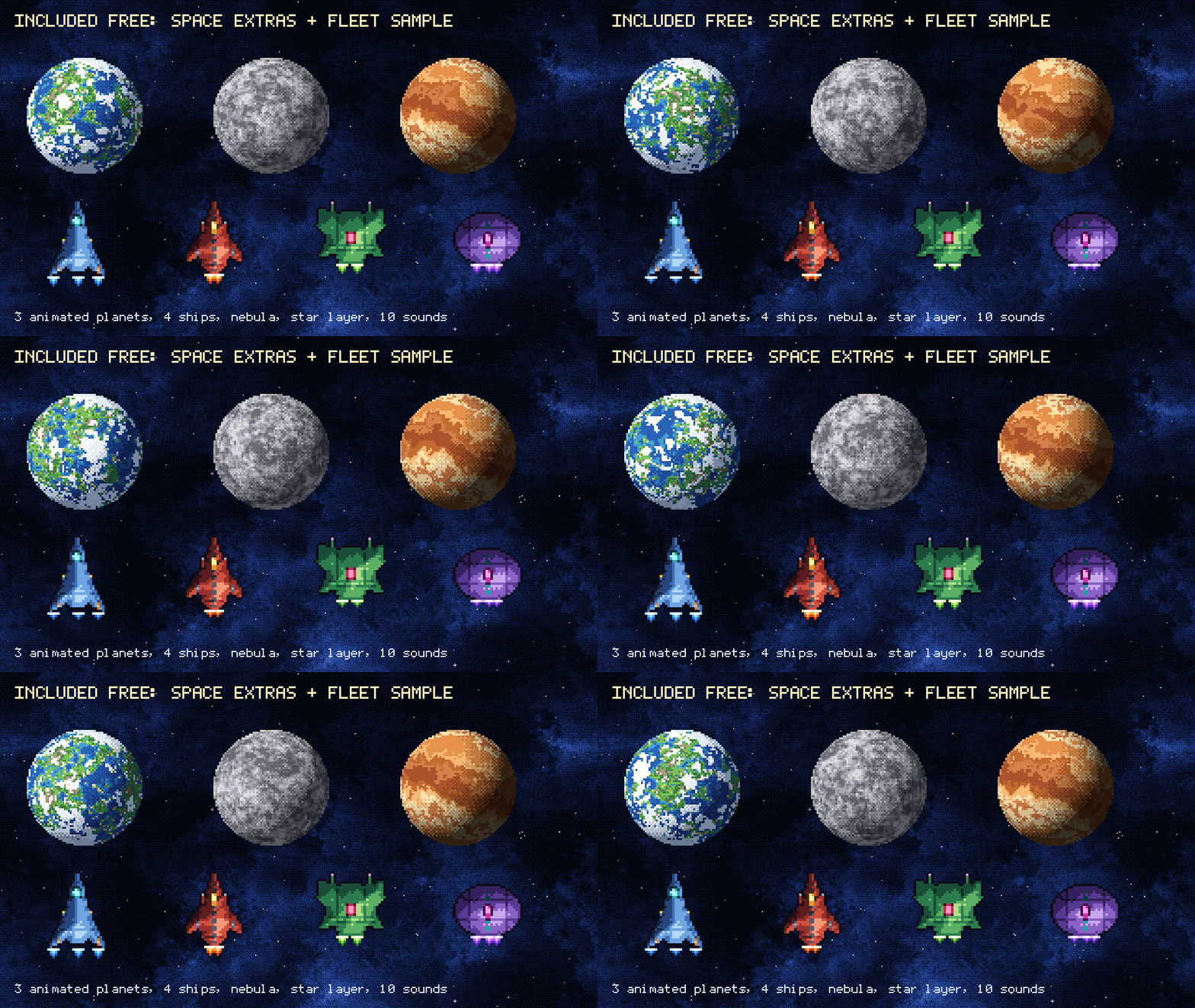
If you are prototyping a space shooter, we just gave our free starter set a big update: Free Space Shooter Sprites.

Free animated planets and sample ships

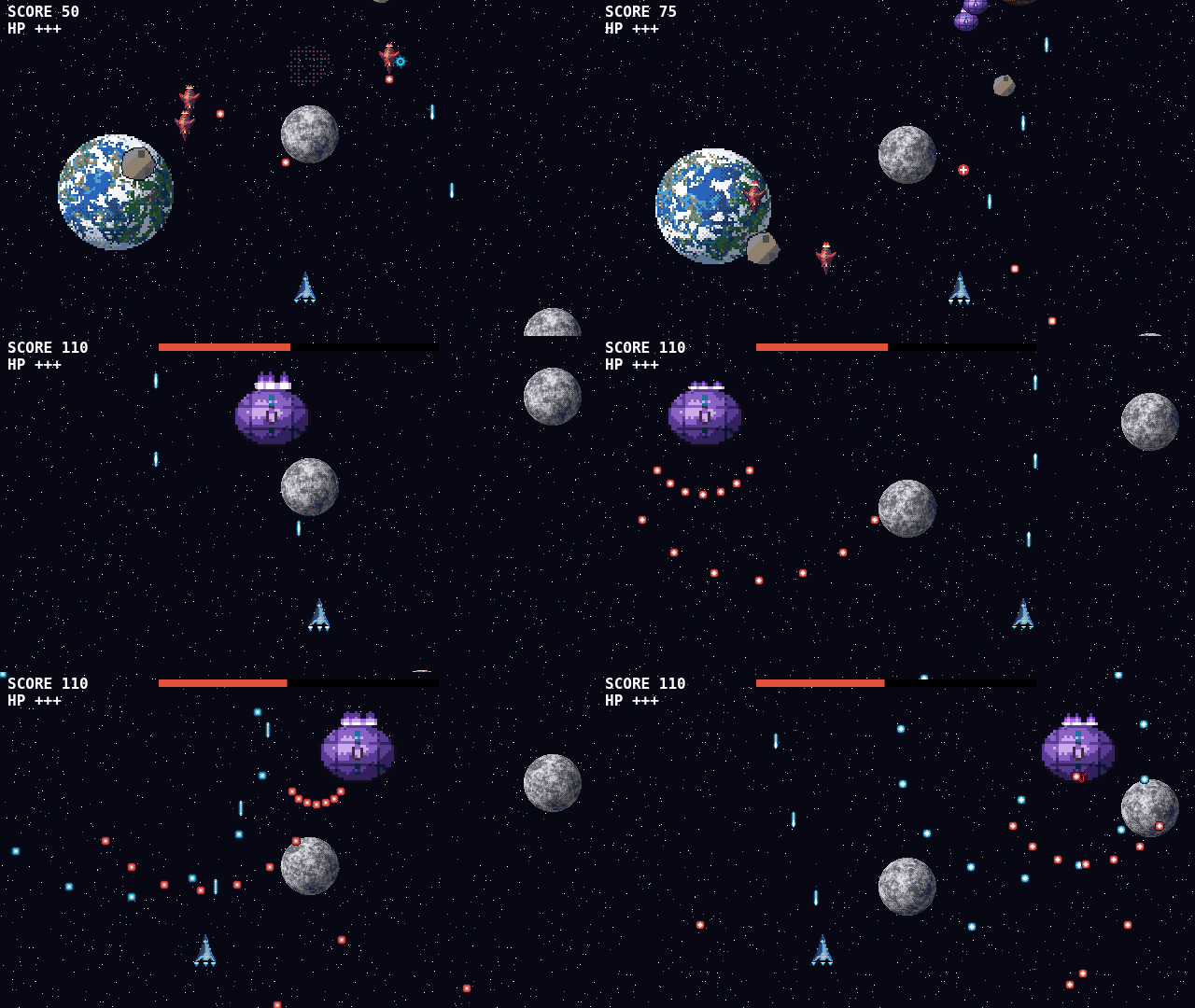
You can play it on the page. It is a short shooter with a boss at the end, so you can judge how the sprites, backgrounds and sounds work together before downloading anything.

What you get for free:

  • A player ship, 2 enemies, bullets, an asteroid and a tileable starfield
  • 3 animated rotating planets as sprite sheets
  • 4 sample ships with animated thrusters and white hit-flash frames
  • A tileable nebula background and a parallax star layer
  • 10 sound effects in WAV and OGG

It is free for personal and commercial games, no credit needed. We also sell larger paid packs, which are linked from the page if you want more.

Disclosure: these assets are generated and synthesized procedurally by code written with generative AI assistance, and the page is marked that way.

Feedback welcome, especially on what you would want added next for a space game.

Since pre-made assets are allowed here, these free packs might save you some time:

Commercial use is OK and no credit is required. Disclosure: everything is generated procedurally by code I wrote, and each page says so.

Hi Decade Jammers! If your entry still needs sound or texture assets, these free packs can be used in jam games (commercial use OK, no credit required):

Disclosure, per the jam's AI note: all of these are generated procedurally by code I wrote (sfxr-style synthesis, a small chiptune sequencer, tileable noise). Each page says so too. The full paid packs are linked from those pages if you want more variety, but the free ones work fine on their own.

Good luck with your entries!

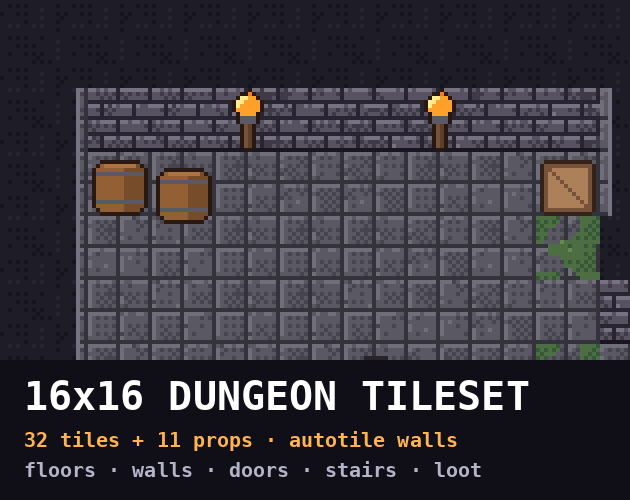
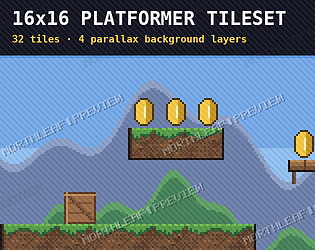
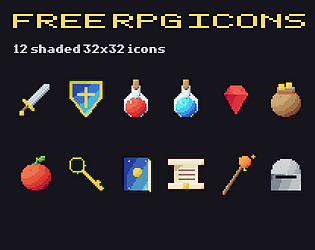
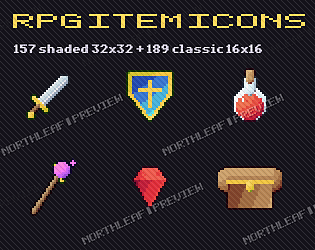
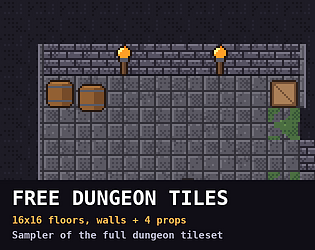
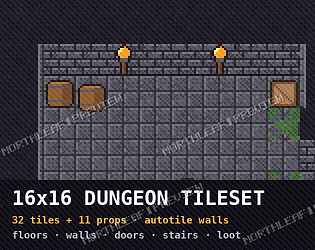
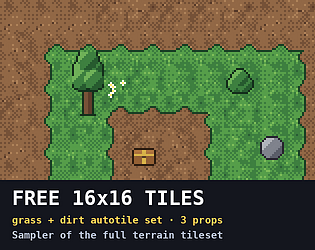
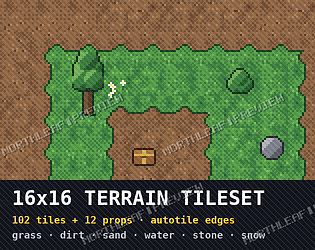
I've released a set of 16×16 pixel-art packs in one consistent style, so they can be combined in a single game. Every pack has a free sampler, so you can check the style before buying. The paid packs are 30% off in the Halloween Sale.

Everything is generated procedurally with code that I wrote. This is disclosed on each page, and the devlogs explain the techniques (autotile masks, ordered dithering and so on). Feedback is very welcome, especially on what's missing for your project.

Earlier today I posted some free samplers here. A few people downloaded them, so I've now released the full packs as paid assets. Both are 30% off for the Halloween Sale, and you can buy them together as a bundle.

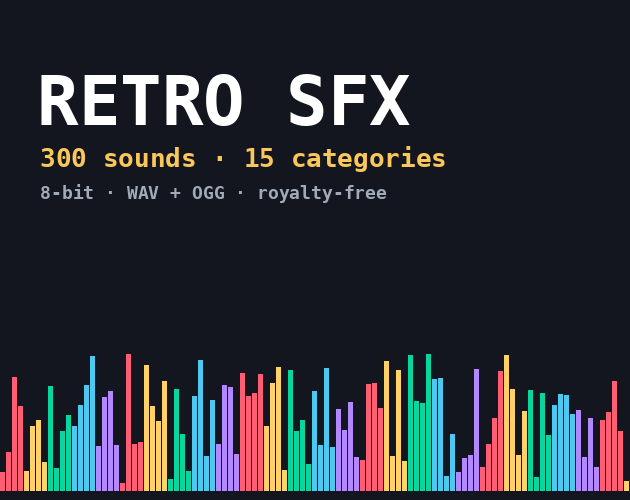
Retro SFX Pack: 300 original 8-bit sounds, 20 variations in each of 15 categories (coins, lasers, explosions, jumps, power-ups, hurt, footsteps, teleports, charge-ups, bounces, impacts, blips, and UI click/confirm/error). Every sound comes as WAV and OGG, trimmed and sorted into folders. You can use them in commercial games.

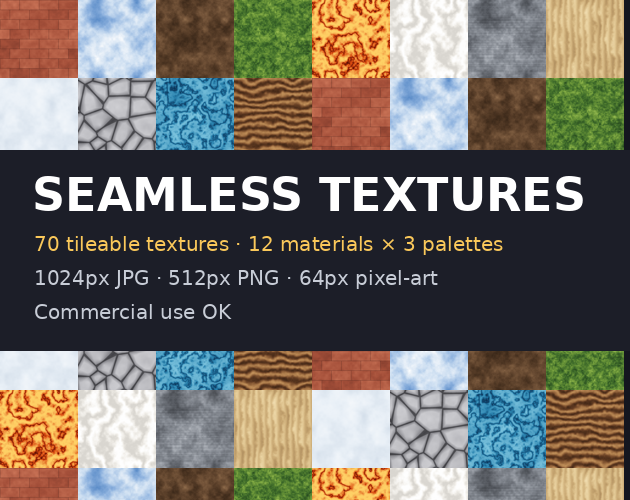
Seamless Textures Pack: 70 tileable textures covering 12 materials (brick, stone, grass, dirt, sand, snow, water, lava, wood, metal, marble, clouds), each in 3 palettes. Every texture is included at 1024px JPG, 512px PNG and 64px pixel-art.

Want to try them first? The free samplers are still free: 45 SFX, 30 UI sounds, 12 textures and 6 more textures.

The sounds and textures are generated procedurally by code (sfxr-style synthesis and noise-based textures). This is disclosed on each page. If you'd like a specific sound category or material added, reply and I'll add it to the pack as a free update.

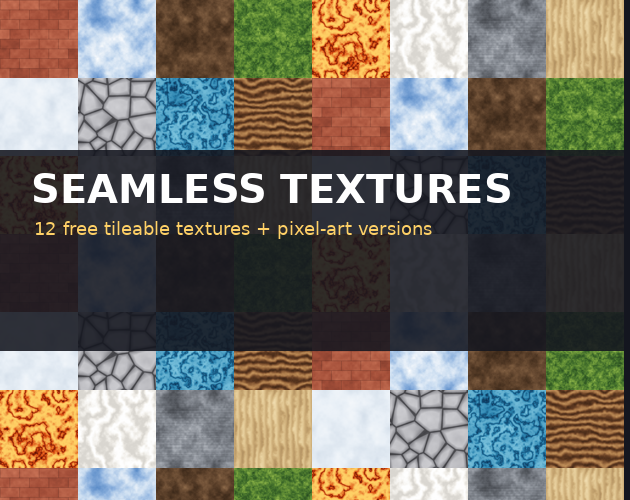
Hi all! I just released a free pack of 12 seamless, tileable textures, one per material: bricks, clouds, dirt, grass, lava, marble, metal, sand, snow, stone, water, and wood.

  • 512px PNGs that repeat without visible seams
  • Plus a 64px pixel-art version of each (12-color palette, crisp with nearest-neighbor filtering)
  • Royalty-free for commercial games, no attribution required

They have a stylized look that works for top-down RPG floors, platformer backgrounds, or quick prototyping. I generated them procedurally with my own tool and curated the results by hand.

👉 https://northleafstudio.itch.io/free-seamless-textures-12-tileable-materials-pixel-art-versions

Which materials would be most useful to add next? Ice, cobblestone, and tiles are on my list.

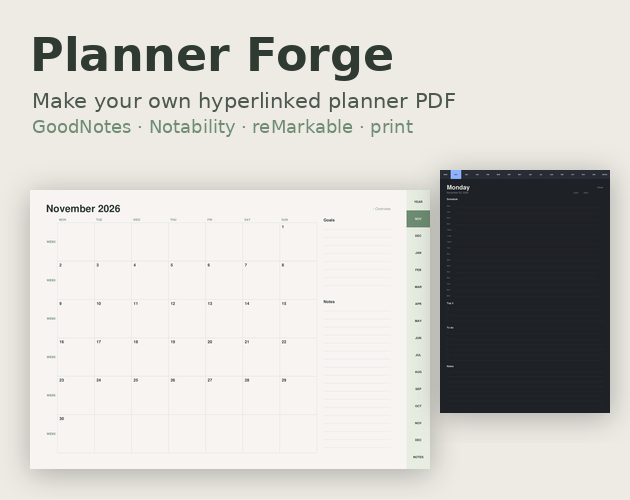
Hi all! I just published Planner Forge, a small free tool rather than a game. It builds a fully hyperlinked PDF planner in your browser for GoodNotes, Notability, reMarkable, or printing.

Why I made it: most digital planners start in January, use one week layout, and come in one look. Here you choose:

  • Start month and length (1–18 months)
  • Monday or Sunday weeks
  • Tablet landscape or portrait, reMarkable, Letter, A4
  • 6 themes (including dark) or your own accent color
  • Weekly pages, daily pages (custom hours, 12h or 24h), and notes pages

The output has a year overview, then months, weeks, and days, with month tabs on every page. A 14-month planner with daily pages is 500+ linked pages and builds in about a second. There's no account and nothing gets uploaded.

👉 https://northleafstudio.itch.io/planner-forge

Feedback is very welcome. Which page types should I add next: habit tracker, budget, journal, or something else?