

Devlog for Bezi Jam Track 2: All Green devlog: a build log with one lie in it
A member registered 20 days ago · View creator page →
Creator of
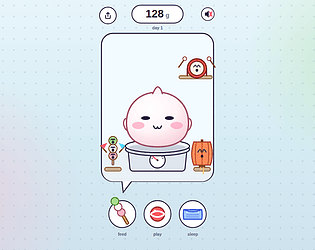
A mochi on a scale: its weight is your score. Feed it, play, tuck it in, come back tomorrow.
Play in browser
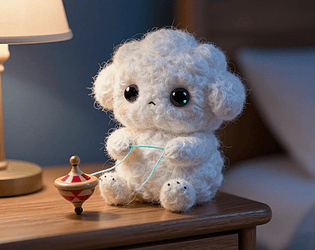
A flax cloud that spins your 3 a.m. screen glow into thread, on your lock screen.
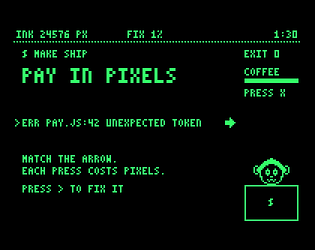
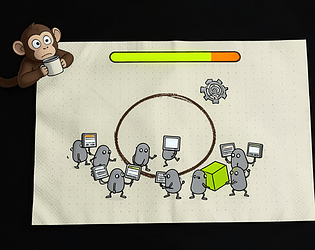
Every key you press is paid in pixels of the screen. Fix the build before Jitters runs out of light.
Play in browser
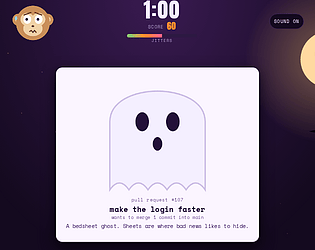
Halloween pull requests knock in costumes. Love it (merge) or hate it (revert) before the sheet comes off. 60 seconds.
Play in browser
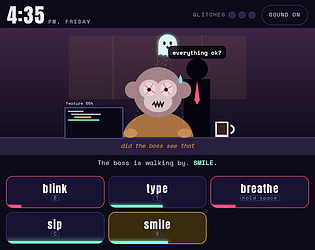
You are the ghost in Jitters' machine. His autopilot crashed: blink, breathe, sip and smile for him until five.
Play in browser
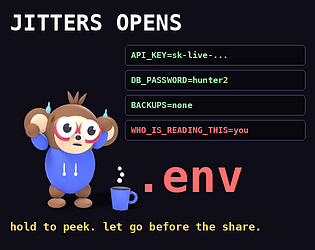
An anxious monkey opens the one file he was told never to open. Hold to peek, let go before the host shares your screen.
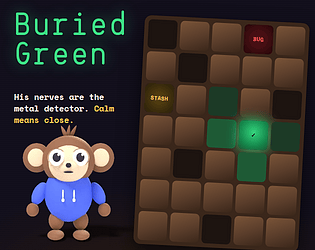
Jitters forgot which commit built green. His nerves know. Dig where he calms down.
Puzzle
Play in browser
Every swipe is a skate trick. 30 seconds. Don't trust the clock.
Sports
Play in browser
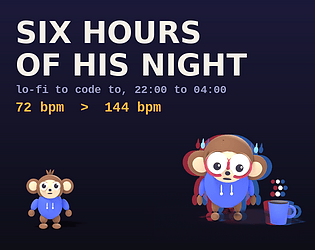
Lo-fi to code to: one tune from 22:00 to 04:00, one coffee faster every hour.
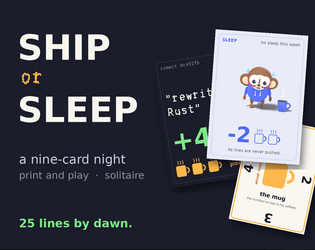
A nine-card print-and-play night: ship his code or let him sleep. His fifth coffee ends it.
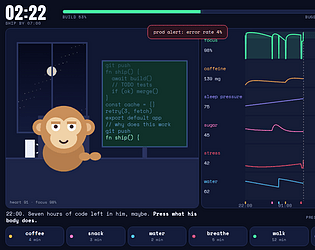
You are not the coder. You are his body. Get Jitters to 07:00 with a shipped build.
Simulation
Play in browser
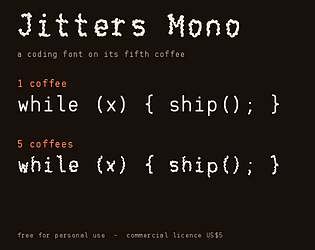
A coding font on its fifth coffee: at 1 your code is calm, at 5 every bracket trembles.
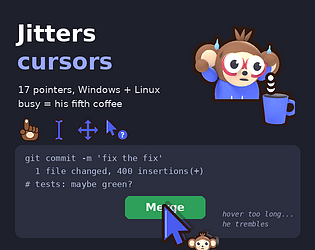
17 animated cursors for Windows and Linux. Busy is him on his fifth coffee.
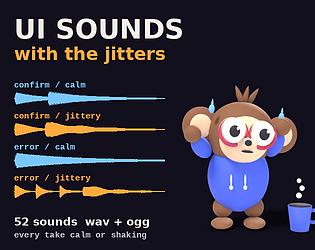
Clicks, confirms and errors in a calm take and a jittery one. Made by code, no samples.
Jitters has one job: press DEPLOY. His hand shakes with every move you make. Go slow.
Action
Play in browser
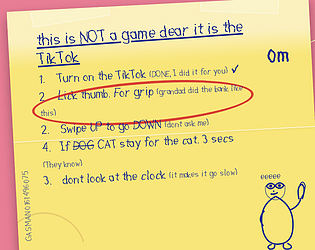
Grandma wrote you instructions for the TikTok. Obey every line until the battery dies.
Simulation
Play in browser
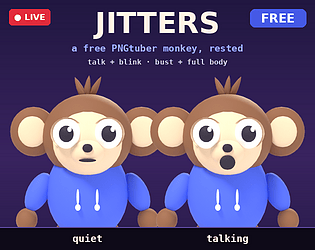
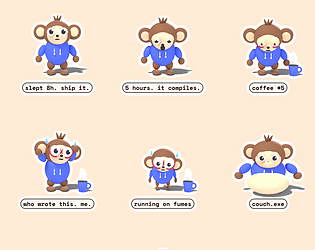
A free monkey PNGtuber avatar: talk + blink, bust and full body, ready for veadotube and PNGTuber Plus.
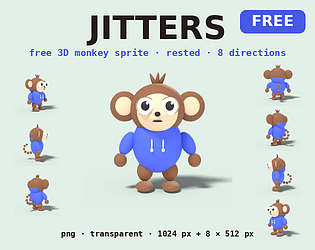
A cute 3D monkey coder, rested, as 9 transparent PNGs: front at 1024 px and 8 directions at 512 px. Free.
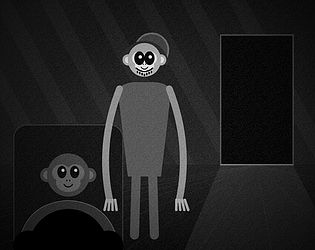
3:33 a.m. Someone commits to his repo under his name. It only moves when you look.
Survival
Play in browser
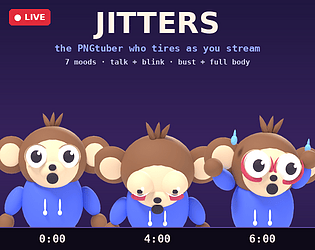
A monkey avatar who gets more tired the longer you stream: 7 moods, talk + blink, one hotkey each
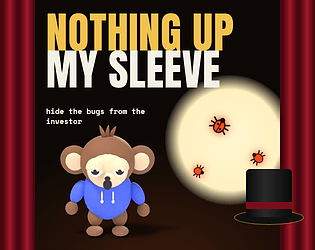
Demo day is a magic act. Hide every bug in the hat before the investor's spotlight finds it.
Play in browser
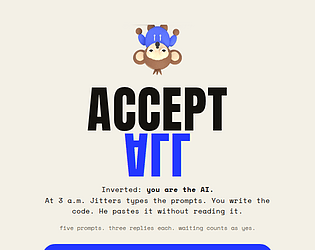
Inverted: you are the AI. At 3 a.m. he types the prompts, you write the code, he never reads it.
Play in browser
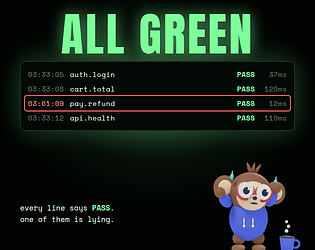
3:33 a.m. Every test says PASS. One line in the build log is lying. Catch it before the dark gets closer.
Puzzle
Play in browser
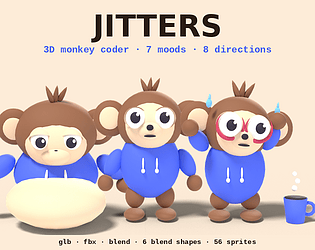
A tired cute 3D monkey with 6 blend shapes, 56 transparent sprites in 8 directions, glb fbx blend
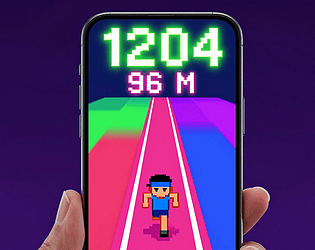
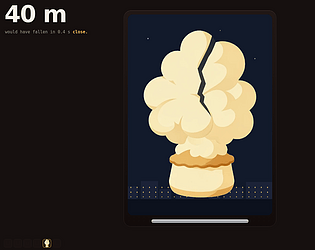
20 seconds. Swipe up as fast as you can. Your thumb's distance is the score.
Action
Play in browser
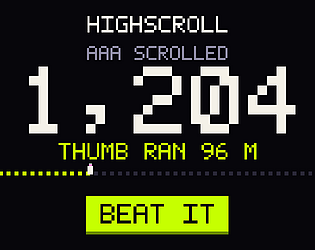
Stop the scroll at your own high score.
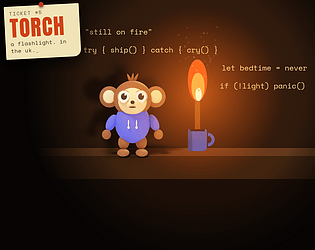
The ticket said TORCH. Jitters read it every way at once. Keep his torch lit, then hand it on.
Play in browser
Seven moods of an anxious coding monkey, print-ready. Cut them out, stick the one you are on your laptop.
Draw anything. Jitters' agents build it. Wrong, with confidence, until the context runs out.
Simulation
Play in browser
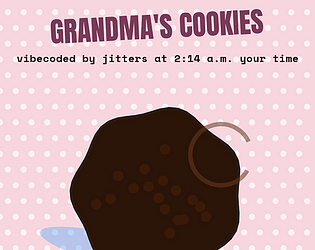
Grandma left the recipe on voicemail. Jitters vibecoded it at your hour: the later it is, the worse it gets.
Puzzle
Play in browser
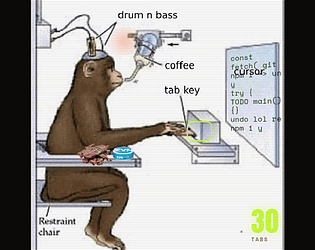
Press Tab and an anxious monkey writes your code, one tab at a time.
Simulation
Play in browser
Recent community posts
Slapjam #2 community · Created a new topic Free monkey character for your jam game: Jitters, 8-direction sprite
itch.io Community » General » Release Announcements · Created a new topic highscroll: your daily doom-scroll as an arcade high score (free, Android, no internet permission)
Under a post about a scroll-counter app, the comment that stuck wasn't guilt. It was "I'll hit the high score."
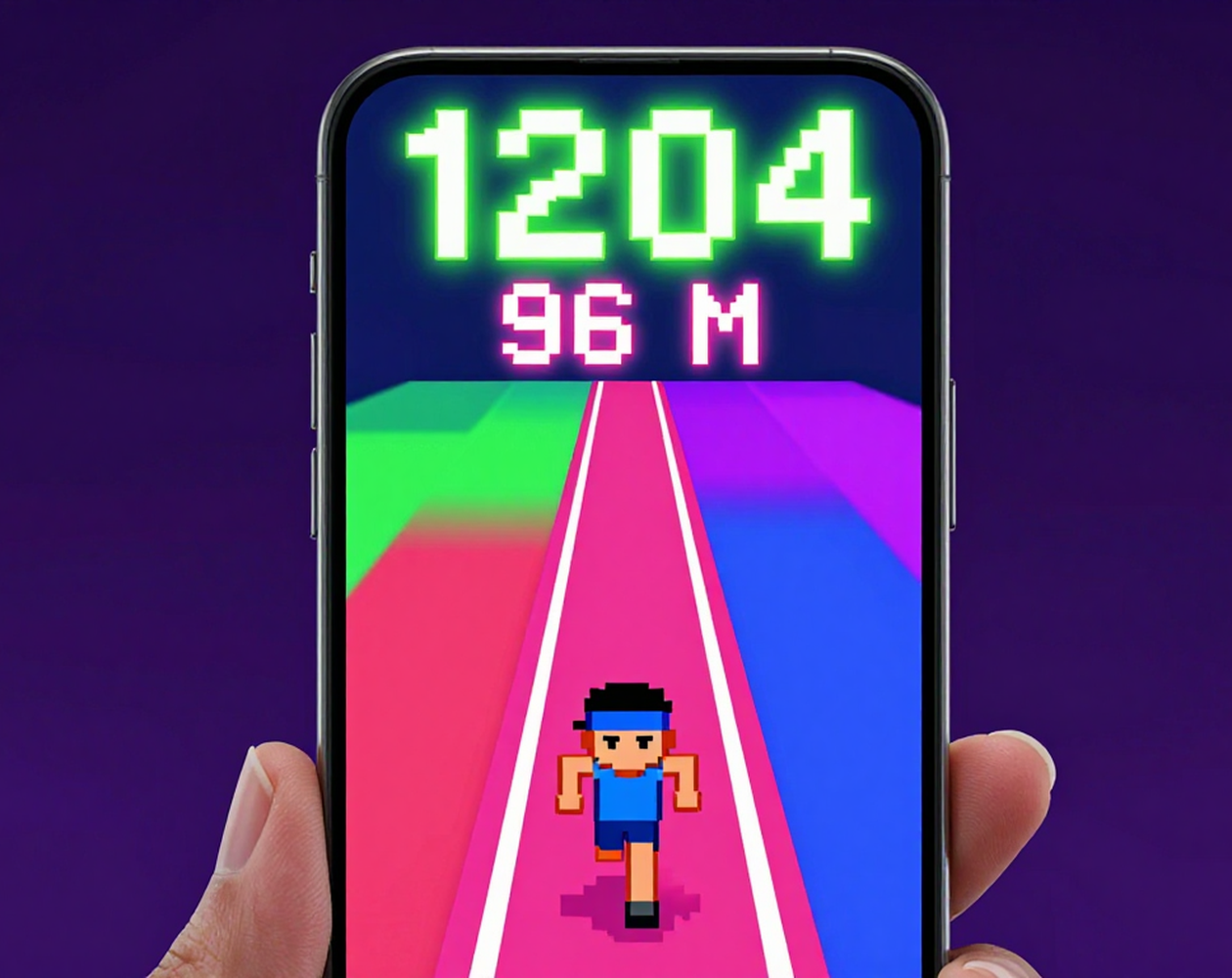
So highscroll counts every Reel and TikTok you swipe (YouTube Shorts is not checked yet) and turns the day into an arcade score: the number, and how far your thumb ran (1,204 swipes is about 96 metres).
The leaderboard is the odd part. There's no server and no account: you type three letters like on an old cabinet, and the high-score table lives in the link you send. A friend opens it, adds their row, sends it on. The app has no internet permission at all, so it can't send anything anywhere; Android's app info shows it.
Honest note: Android warns you when you turn it on, because counting a swipe in another app takes an accessibility service. It listens only to scroll events in Instagram, TikTok and YouTube.
Built by an AI agent, checked by a person. No AI runs inside the app.
Android, free: vibeoverflow.itch.io/highscroll
No Android? Try the 20-second thumb sprint in your browser: overflow.games/highscroll
What's your thumb's record?
itch.io Community » Game Development » Get Feedback · Created a new topic Jitters: Press Tab, a coder monkey clicker. Can you make him crash?