

Sendy will have to take a look at this when/if he returns, but I will say two things in his defense. One, as you probably know, after enough defeats Mezz CAN take off his clothes whenever. You're doing this on the docks at the start, so I'm guessing this is before any defeats have happened, but worth pointing out. Second, this was my first game ever, and the code for detecting clothing removal and responding properly was always a nightmare to get working right because of the complex interactions of going in and out of the menu, the way the plugin I was relying on worked (or didn't), and so on. I won't bore people by going into specifics, but the way RPGMaker MV handles item removal is also really weird and counterintuitive, which lead to a LOT of hair-pulling as weird behaviors would crop up. All this to say, the clothing removal in CS was always a little buggy, and although it's MUCH better than it was, there may still be some small issues here and there that aren't the fault of the translation patch.
I decided to try to install the Russian translation in order to fully immerse myself in the plot and the game, as well as to understand what is happening in the game. But I'd rather play on the original now, because besides these bugs, the translation itself seemed a little unclear to me, especially at the beginning when they talked about the Midnight City. And by the way, Midnight City (Eng) = Полуночный город (Rus), and Night City (Eng) = Ночной город (Rus). I know that the author of the translation had to make the translation look like the original, since not all words can be translated verbatim, but this is clearly some kind of mistake.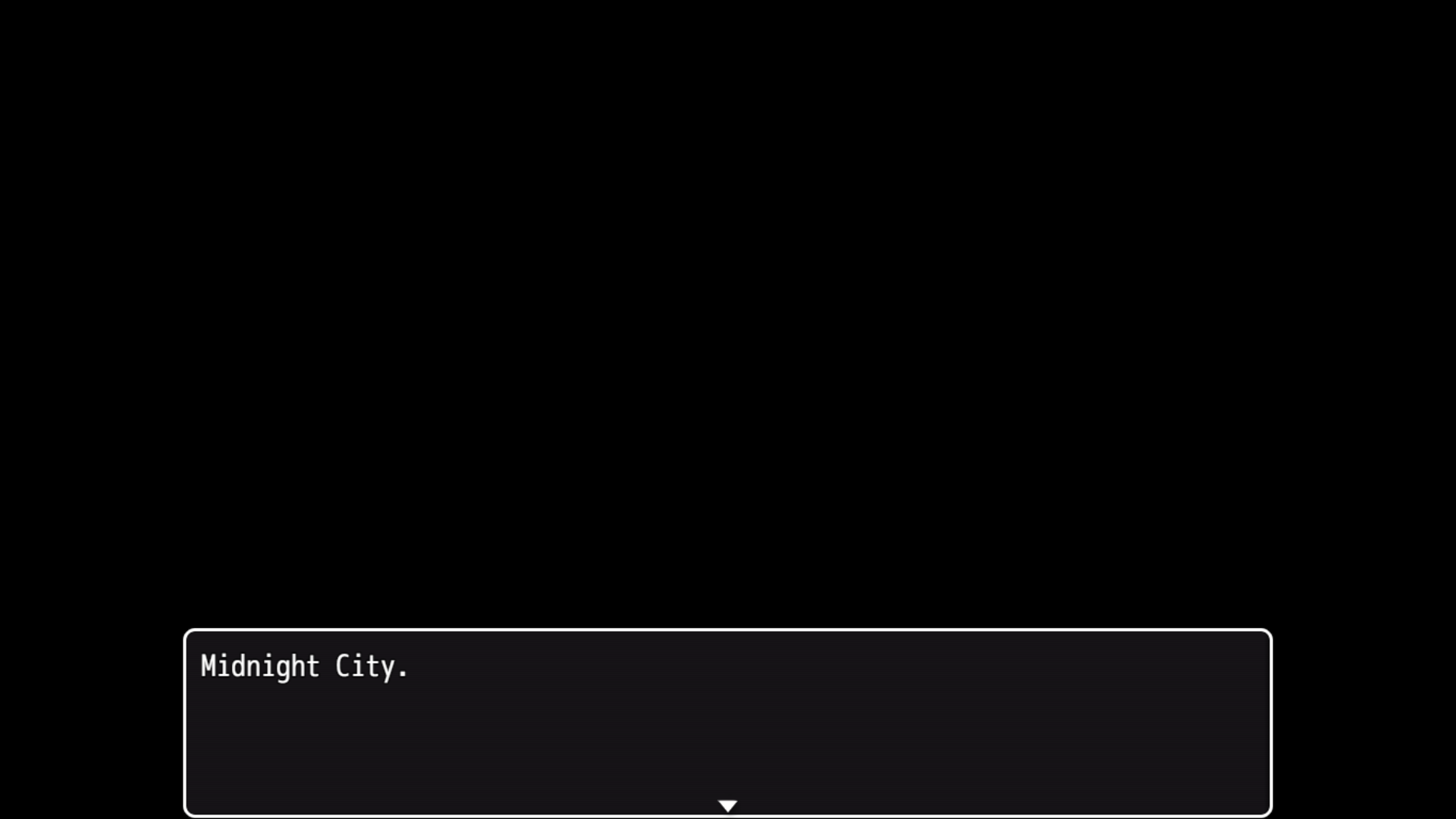
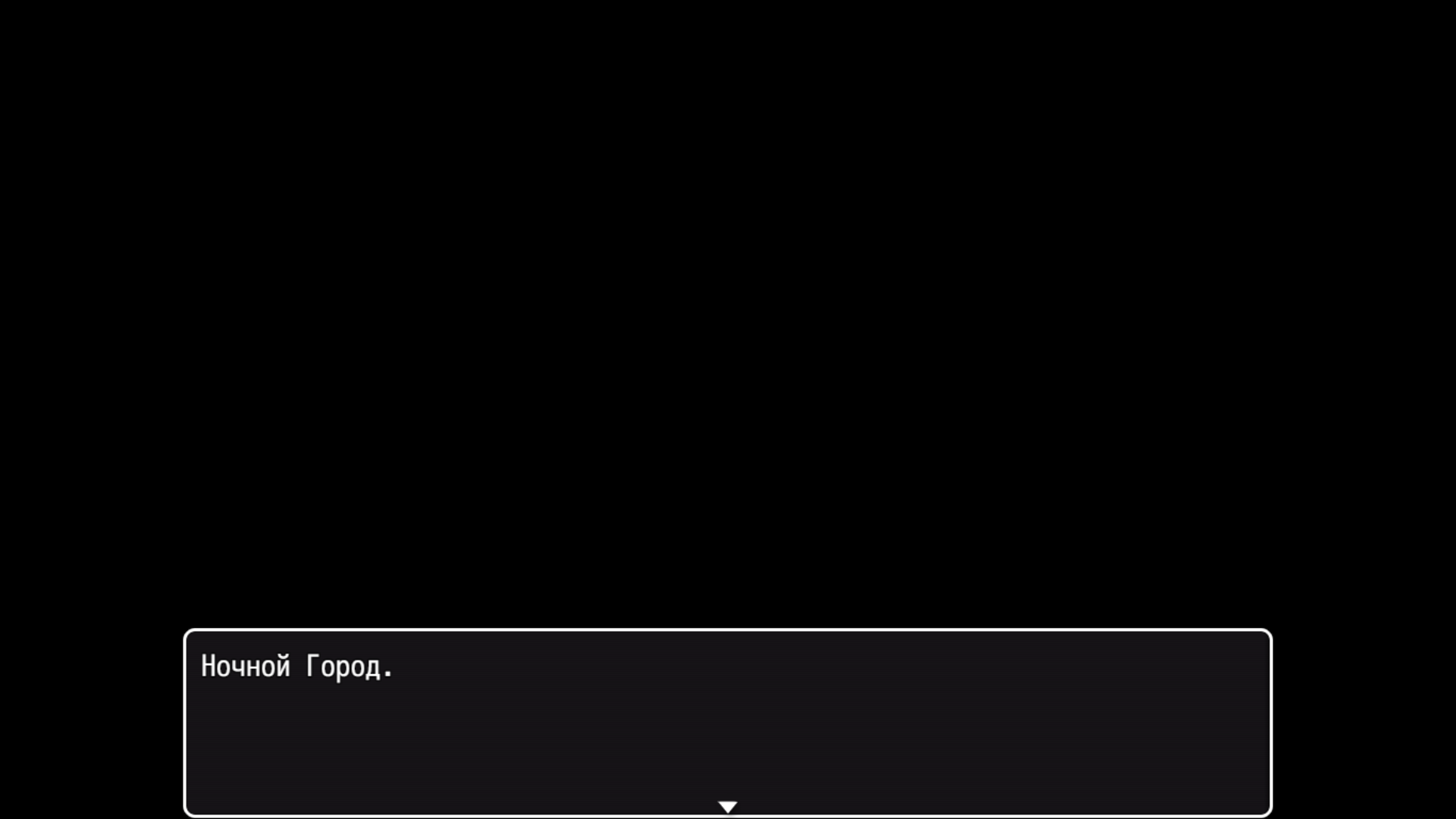
And I do not know for sure whether Sendy is a native speaker of Russian or not, but after my first impression of this translation, I have doubts about the correctness of the entire translation.
This is one of the reasons it's not an official translation yet: still has to go through many layers of checking. I'm glad to get a native speaker's feedback on it though. Sendy has said he used SOME machine translation, but supposedly only on tricky parts. It may be that it is a less-than-faithful and mostly machine-translated version however.
It's worth noting too that Midnight vs. Night matters, because Night City is Cyberpunk 2077s setting. I very deliberately chose Midnight to be distinct. But yes, this is one of the reasons I discourage translations that are JUST machine translation: at that point, you can use tools to just hook the game and machine-translate it yourself in real time and get similar (or possibly even better) results. Amusingly, Deepl, the machine translation I like to use for casual things, actually gets it right (Полуночный, not Ночной). But thanks for letting me know, and I'm glad it was enough to motivate you to take a look at the games at least.
I know such programs, they translate the text that will be shown on the screen and the program will translate it, but sometimes they also translate incorrectly. I remember that previously used DeepL during a conversation with people in Discord until it ceased to be available in my region, the way I always use Yandex translator, almost as Google translator, even now as I write this, I used the Yandex. I hope that Sendy will respond to these messages soon and get better. Sendy, if you're reading this, then I'm ready to offer my helping hand in translating into Russian, I do not know if I will succeed well or badly, but I am ready to try and do my best. I noticed that you have a link to your discord, but for some reason it doesn't work as it should, it sends me to the web version of the discord, although I have it on my PC, is it possible to get your id in the discord or at least a valid link to your account so that I can talk?
If you want to get his attention, it's probably better to reply directly to one of his posts, as I'm not sure he gets a notification for everything posted to the thread. Regardless,I think he may have wandered off, but if you want to give a translation a try on your own you're certainly welcome to. Like I tell everyone who asks, Translator++ is probably the best bet, as it helps keep track of everything and avoid accidentally breaking formatting or deleting something you shouldn't. Takes a lot of the guesswork and technical hassle out of it: once it's set up it's literally just "Here's a text field on the left, translate it and put the result on the right." I understand if you're not interested/able to do a full project yourself though, even for a smaller game like CS it is a lot of work.
I’ve only just noticed all these posts; I’m dealing with some personal issues right now that are preventing me from working on the translation. On top of that, after my last update, the in-game gallery and the "lust" stat stopped working—meaning the images linked to that stat no longer display, and the stat itself is broken. I don’t know what the problem is; I tried every possible way to fix it, but nothing worked. It’s a shame things turned out this way, but I hope whoever takes over the translation does a better job than I did.
Aw, sorry to hear Sendy. Hope things get better for you at least.
If you have the time, would you mind giving me more details on the bug you were seeing, just in case it's a wider bug I somehow introduced with 1.0.5? I assume "my last update" means you updated to 1.0.5? Or do you just mean the latest version of your translation that you were working on? What do you mean by the gallery "not working"? By default it should all be hidden on starting a new game, and unlocked as you get to each new scene. I had left the gallery unlocked, which is one of the things I fixed in 1.0.5. So if you just mean that the gallery items aren't immediately accessible anymore, that's intended, you didn't break anything.
If you instead mean that they don't unlock even after encountering a scene, or don't unlock if you manually edit gallery.js and change the 0s to 1s, let me know. Sorry you ran into issues though, and I still appreciate the attempt. In theory Translator++ should have protected from SOME of this, but you still have to be careful when working on a translation in terms of what files you're editing so you don't wander from dialog and items and into actual program code.
I've dealt with Translator++ before when I was trying to translate the Lust Doll Plus game, but alas, nothing worked when I tried to translate it by machine instead of translating it manually (Since the game is many times bigger than yours). When I realized that the game hadn't been translated into Russian, I gave up on it and deleted this program after realizing that I didn't understand this program properly.
The thing to remember with ++ is that you don't HAVE to use machine translation with it, and in fact it's better if you just ignore that part entirely. It just gives that as an OPTION. The ideal is just to use the program as a handy template to keep track of what you've translated, and hopefully avoid breaking formatting or programming too much. It isn't THAT complicated, but it is worth reading the documentation for it (or watching some videos) beforehand, specifically in terms of the basics for MV games. If I remember right though, it's essentially 1. Import files from game 2. Enter translation line by line 3. Export translated files to make a translation package.