


So, you've made your game, uploaded a screenshot, and submitted it. Congrats! ...now what? Hibernate and wakeup once the rating period is over?
NO! My friend, this is where the fun begins!
Here are a few tips on how to promote your game jam game.
---
A bit about me: I've been a long time game jammer since the peak of the Ludum Dare era (RIP). I took a hiatus and Brackeys Game Jam 2026.2 is my first ever game jam in 10 (!) years, and I've had a blast!
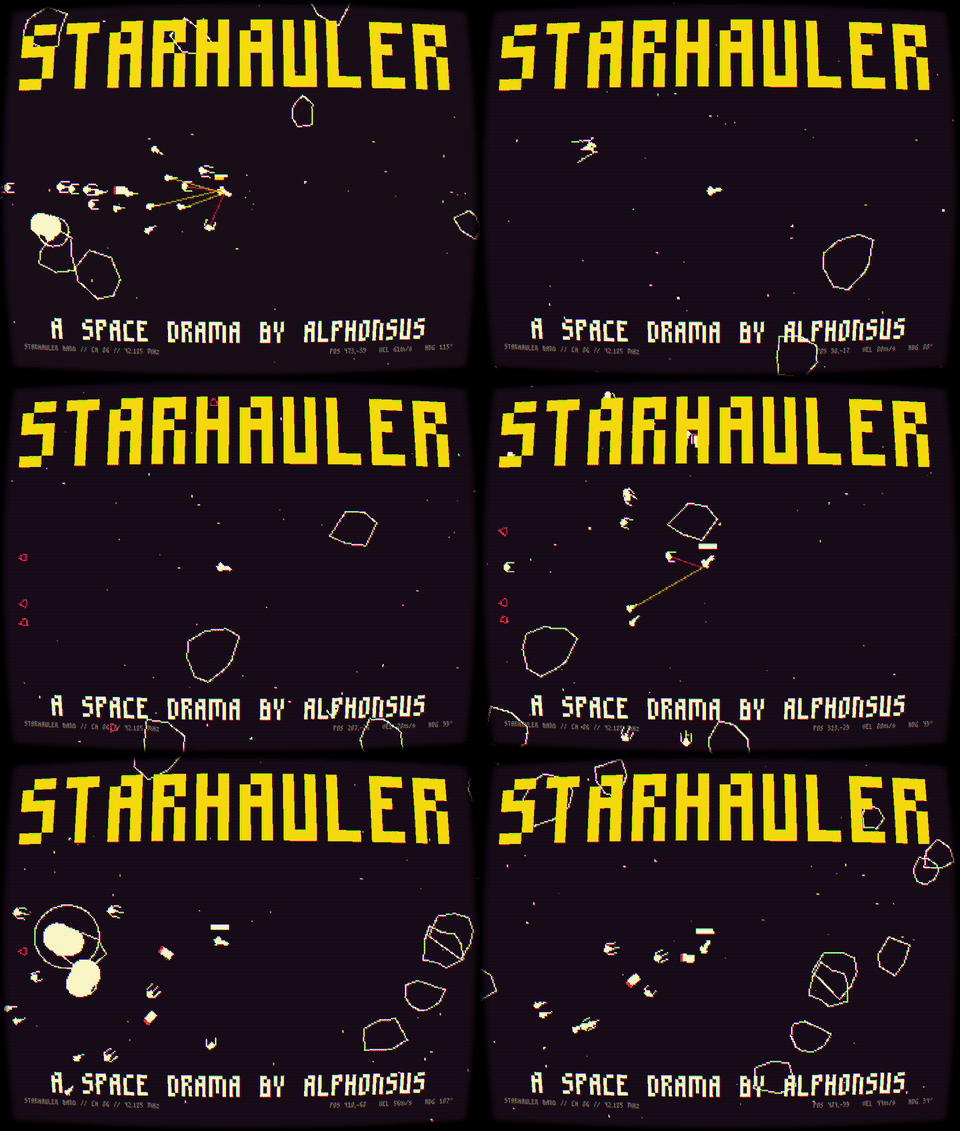
Starhauler. A game about hauling space cargo, outrunning pirates, and evading Interstellar Police. My first game jam in a decade!
While I don't claim to have made the best game jam games ever, I did learn a thing or two about how to market one.
But first of all, why bother? Well, you are doing yourself, and us, a disservice if you do not promote and share your creation to the world.
Imagine depriving the community of seeing an awesome indie game!
1. Setup a nice game page
Adding screenshots, taglines, and controls is the bare minimum. Get creative and make your game's page beautiful and cohesive.
Here's a collection of cool game pages for inspiration: /c/1536/cool-game-pages
One of my personal favorites is the game pages of Ludum Dare legend Managore: https://managore.itch.io/
2. Your cover image is your game's trailer
Most jammers take a screenshot of your in-game title screen, slap it as the cover image and call it a day.
Rookie mistake!
Imagine if the official Star Wars movie poster is just the intro crawl, and not a cool collage of the main characters, the Death Star, and lightsabers!
Make sure your cover image showcases your game's features.
Ideally, it should be the best, most beautiful frame (or most chaotic for action games) from your game.
If your game is a shmup game with powerups and explosions, make sure your cover image looks like a shmup game WITH powerups AND explosions, and not just two lines of text.
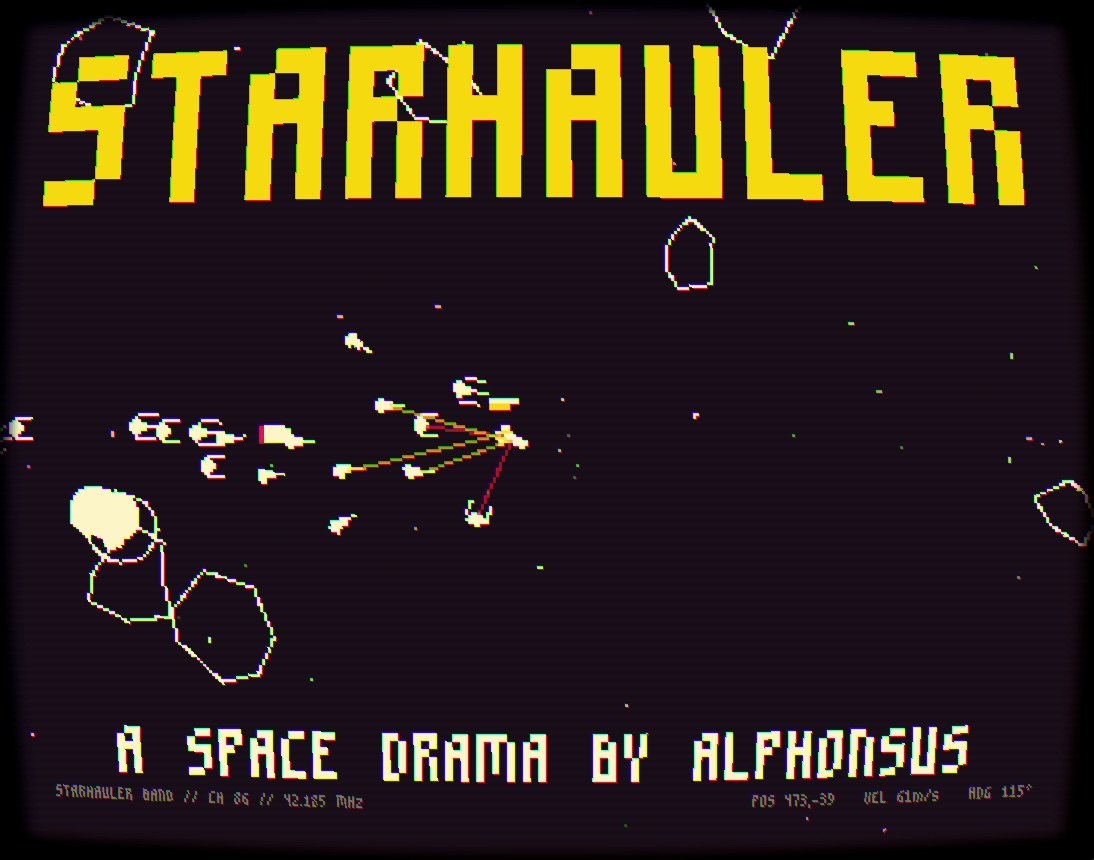
For my game, Starhauler, I used the most action-packed scene in my game, and overlayed the title and subtitle on top of it.
It's also actually a GIF, which leads us to our next tip.
3. Use GIFs as cover image and screenshots
If you didn't know, you can upload GIFs as your game's cover image.
Ideally your screenshots should also be mostly GIFs.
Here's how I usually do it: I take a screen recorder app, record a few minutes of gameplay, highlighting as many features and visuals as possible.
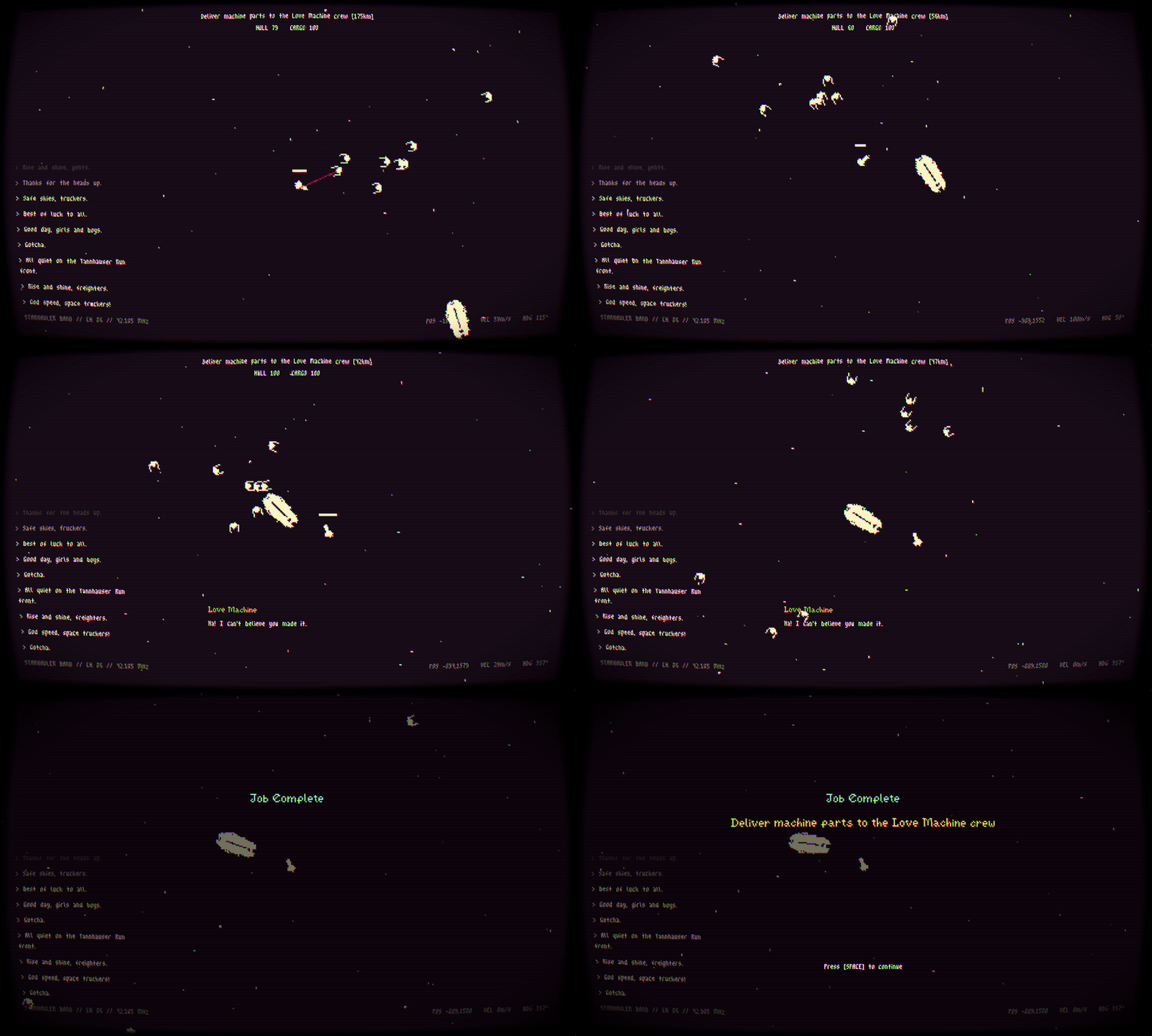
I then make 3-5 second clips of the best ones, and convert them into GIFs using ffmpeg.
My screenshots are usually then taken from these recordings.
Also note that GIFs must be under 3mb. If that happens, try to reduce the resolution or the fps (24-30 should be fine).
But now you probably wonder, what makes a good GIF? I'm glad you asked!
4. Stage your recordings and screenshots
Here's a top secret tip!
When trying to take a good clip or screenshot of your game, you do not need to use a normal scene from the actual gameplay.
Remember, you want to pack in as many features, visuals and effects as possible to your main poster.
To do that, you can set up a special scene just for recording your "trailer."
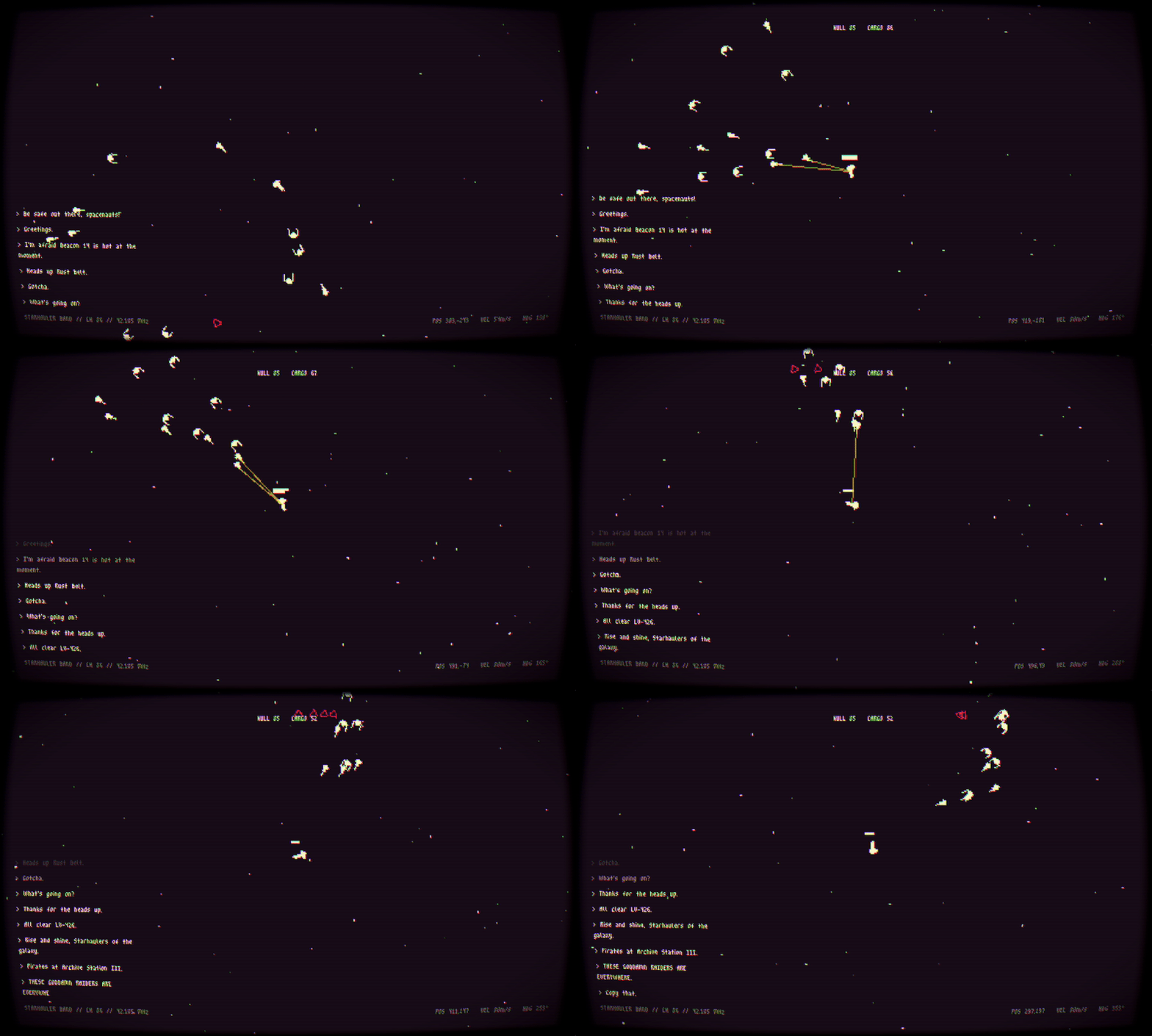
For example, temporarily exaggerate your enemies' spawn rates, or bring multiple enemy types onto the screen at once.
Just make sure not to falsely advertise some elements that the player won't actually experience in your game.
5. Talk about your game or experiences
The message boards is full of rate-for-rate threads. Set yourself apart and talk about something else!
Write a post-mortem of your game: what went right? What went wrong? What would you have done differently?
Was there a cool mechanic or shader that you wrote for this jam? What were annoying bugs and issues that you encountered and how did you fix them?
Sharing what you learned during the jam can help other developers, while also giving you a chance to show off your game.
---
Other quick fire tips to get more exposure to your game
- rate other entries and leave a decent review
- share your game in the jam's Discord or appropriate community channels and subreddits (just don't spam hehe)
- when sharing your link, always include the GIFs/screenshots you've prepared
---
That's about it!
Since we're talking about promoting games, feel free to share your games below and I'll review them. I will prioritize those with fewer ratings.
Here's my submission if you're interested: /jam/brackeys-16/rate/4952847
Good luck! 🫡