

We're glad our feedback is helpful.
I'm playing on a 4K monitor, with the browser window plenty large enough for the viewport. Here is the offset menu I see:
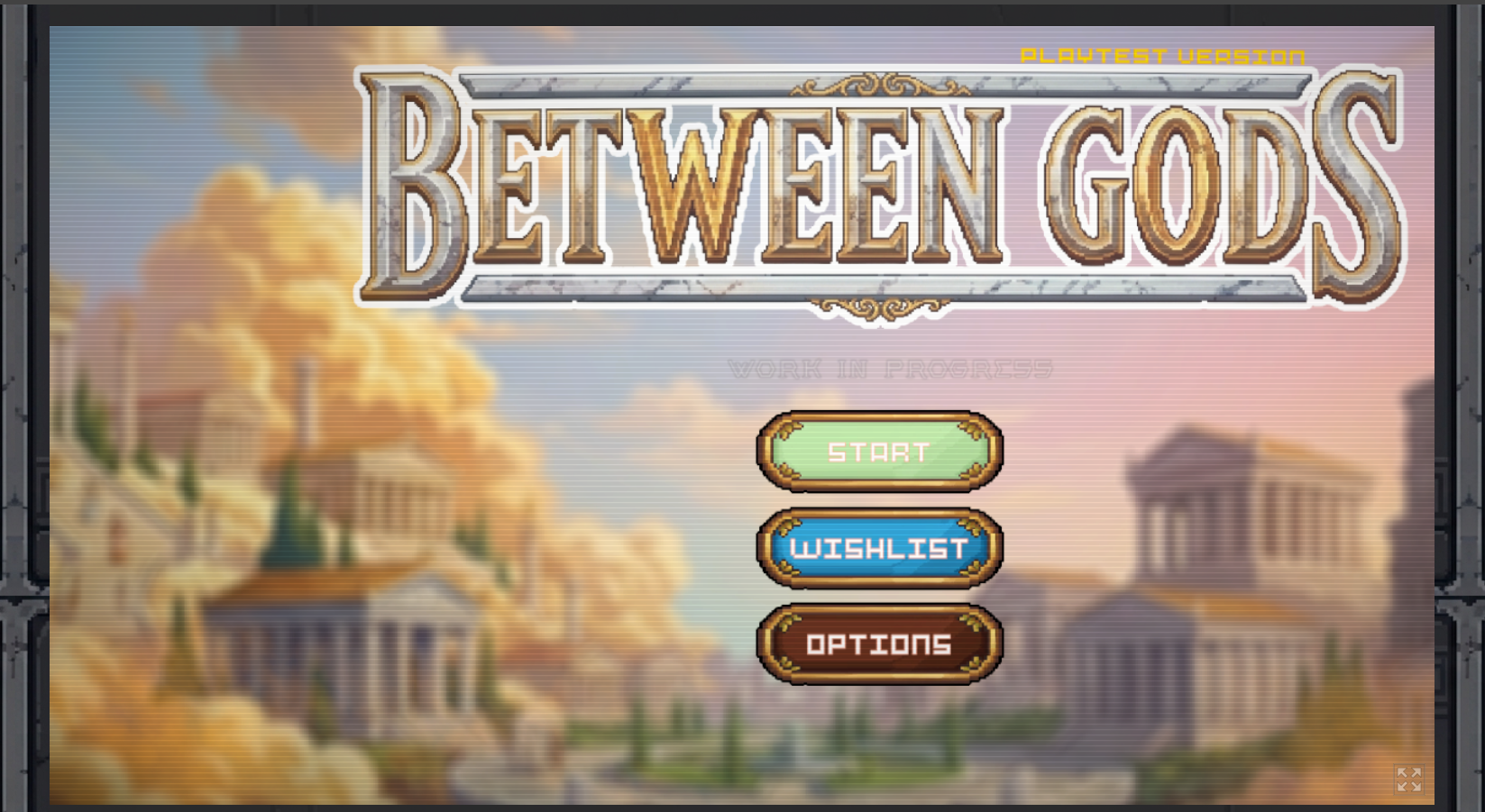
One of our kids played as well. We'll be posting their full review later, but they had issues with the game crashing when they tried to play in fullscreen.
We do use the Vivaldi browser, which is Chromium based, and are on Linux. I just tested with Chrome itself and Firefox, and both seem to be centering correctly. I'll need to look into it more to see why Vivaldi has an issue and Chrome doesn't. Another dev I know recently had a similar alignment issue in browser with one of their games made with Godot, and I don't think they were using Vivaldi.
For the shops, the main issue for me was not knowing how they worked. Now that I do I can adjust thing in the future. Since the game is replayed many times it won't be too bad learning this in a game and only impacting that game, but it is also something that could be added to any tutorial or instructional materials.
I can totally understand having things designed so that you expect them to be setup when the gameplay starts. Just a shortcut to get back to the upgrades screen would be enough.