
Indie game storeFree gamesFun gamesHorror games
Game developmentAssetsComics
SalesBundles
Jobs
TagsGame Engines
(+1)

Thank you so much for playing Between Gods and for taking the time to share such detailed feedback! This kind of input is incredibly helpful as I continue to polish the game.

I wanted to clarify a few points regarding the issues and mechanics you mentioned:

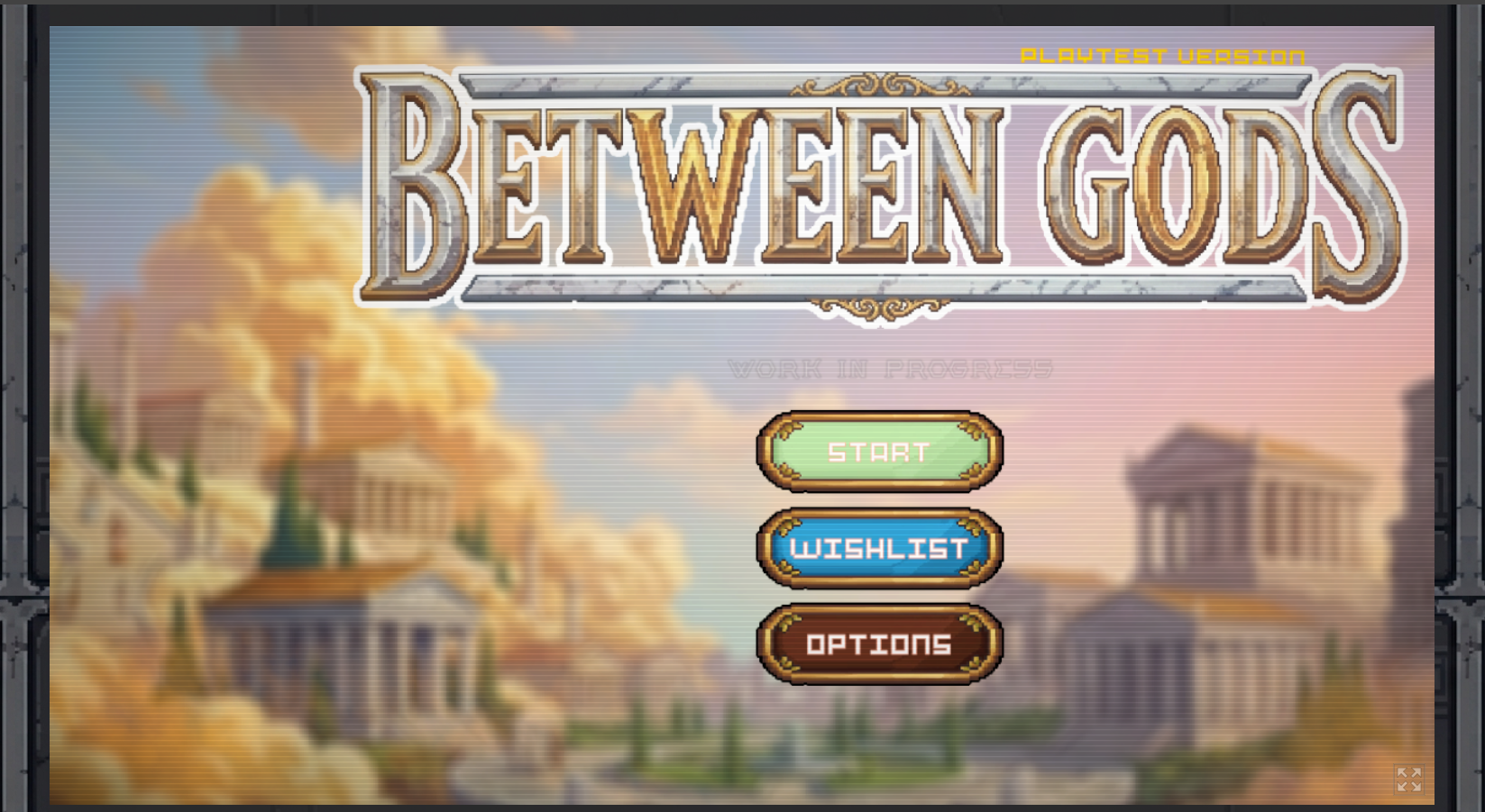
  • Menu Centering Issue: This is actually the first time I’ve received a report about the menu misalignment on load. The game is designed to run at a native resolution of 1280x720 in the browser. Could you let me know what screen resolution or display settings you were using? I’d like to see if it’s triggering on smaller monitor resolutions.
  • Camera Zoom on Elite Enemies: That zoom effect happens with elite enemies (like the Merfolk / Tritons) when their health gets low, triggering with a 50/50 chance. A few players have brought this up as well—it throws off timing too much. I’m planning to add a longer delay right after the zoom so you have enough time to react and see which key to press.
  • Shops: The shops currently sharing the same stock across nodes is actually intentional unless you manually pay for a refresh, but I appreciate the perspective on how that impacts run route planning.
  • Mastery Menu & Death Flow: I’m actively thinking about the best way to remind players to spend their Mastery points after dying so it feels seamless without interrupting the flow of gameplay. However, allowing players to upgrade mid-run or bypassing the main menu setup entirely would require some deep structural changes, as Mastery upgrades are meant to be handled strictly before a new run starts.
  • Spacebar / Attack Input: Thanks for noting the issue where attacks wouldn't register right at the start of combat until after blocking or parrying. I’ll look into the input state to see why Space was getting blocked initially.

I’m really glad that, despite the initial difficulty and the Merfolk tail attacks giving you a hard time, you felt that sense of progression and got into the rhythm of the timing! That loop is exactly what I’m aiming for.

I’ve received a lot of great feedback over the past few weeks, and comments like yours are super motivating. Thank you again for playing and helping make the game better!
We're glad our feedback is helpful.

I'm playing on a 4K monitor, with the browser window plenty large enough for the viewport. Here is the offset menu I see:


One of our kids played as well. We'll be posting their full review later, but they had issues with the game crashing when they tried to play in fullscreen.

We do use the Vivaldi browser, which is Chromium based, and are on Linux. I just tested with Chrome itself and Firefox, and both seem to be centering correctly. I'll need to look into it more to see why Vivaldi has an issue and Chrome doesn't. Another dev I know recently had a similar alignment issue in browser with one of their games made with Godot, and I don't think they were using Vivaldi.


For the shops, the main issue for me was not knowing how they worked. Now that I do I can adjust thing in the future. Since the game is replayed many times it won't be too bad learning this in a game and only impacting that game, but it is also something that could be added to any tutorial or instructional materials.

I can totally understand having things designed so that you expect them to be setup when the gameplay starts. Just a shortcut to get back to the upgrades screen would be enough.

(+1)

I completely understand the lack of information on how to play the game. I'm currently working on some pop-ups that will appear in-game as the player navigates through the different menus. About 8 hours ago, I published a new build featuring some of these pop-ups, though I still need to add the ones for the shop and skill tree.

I'm also working on that shortcut so players can access the skill tree directly from the game.

(1 edit)

I did a bit more testing. It seems that the Display Options for Resolution & Window Mode are not being saved/loaded. This is not just when restarting the game by refreshing the page, but also when starting a run and returning to the Menu. I was trying to experiment with different settings to see if they had any affect.

I also tried switching to fullscreen as soon as the game started, with the default settings. I did not get the crashes my kid reported, though only played a couple locations. When I went back to the menu I was zoomed in at the bottom left with clouds, and just a portion of a building showing.

I'm using a mix of mouse and keyboard currently. I don't often use fullscreen for jam games, but with my extra testing, I'm acknowledging that for keyboard you heavily use Esc. On the web Esc will exit fullscreen. You should add an alternative button that can be used for web. P is common for Pause, but would not make as much sense for some of the other uses. Similarly Backspace could make sense for going back, but if the game loses focus, many browsers will go back a page when Backspace is pressed and you are generally focused on the page. If you enable both by default that could let players in fullscreen use Backspace, as they'd be unlikely to be unfocused such that it would go back in fullscreen, and those not using fullscreen could stick with the default of Esc, along with non-web being fine with the default. You could add this as a note on the page or instructional popups in the game, while leaving the default Esc in the UI. Adding input remapping would be the best to let players chose what works for them, but that would obviously take longer. A non-Esc alternative could be a good fallback for web fullscreen users for short term.

(+1)

The video settings aren't loading on browser on purpose. If you're playing in the browser, set a very high resolution, and don't play in fullscreen, the window ends up misaligned, which makes the game look bad. For now, I have it forced to windowed mode at 1280x720p. (I should really disable the fullscreen option in the browser build so players don't feel like something is broken.)

The game really isn't intended for fullscreen in the browser anyway because pressing ESC exits fullscreen mode. I'm going to disable that option until I can fix all these issues.

Keybinding is on my to-do list; I'm well aware that every game should have it.