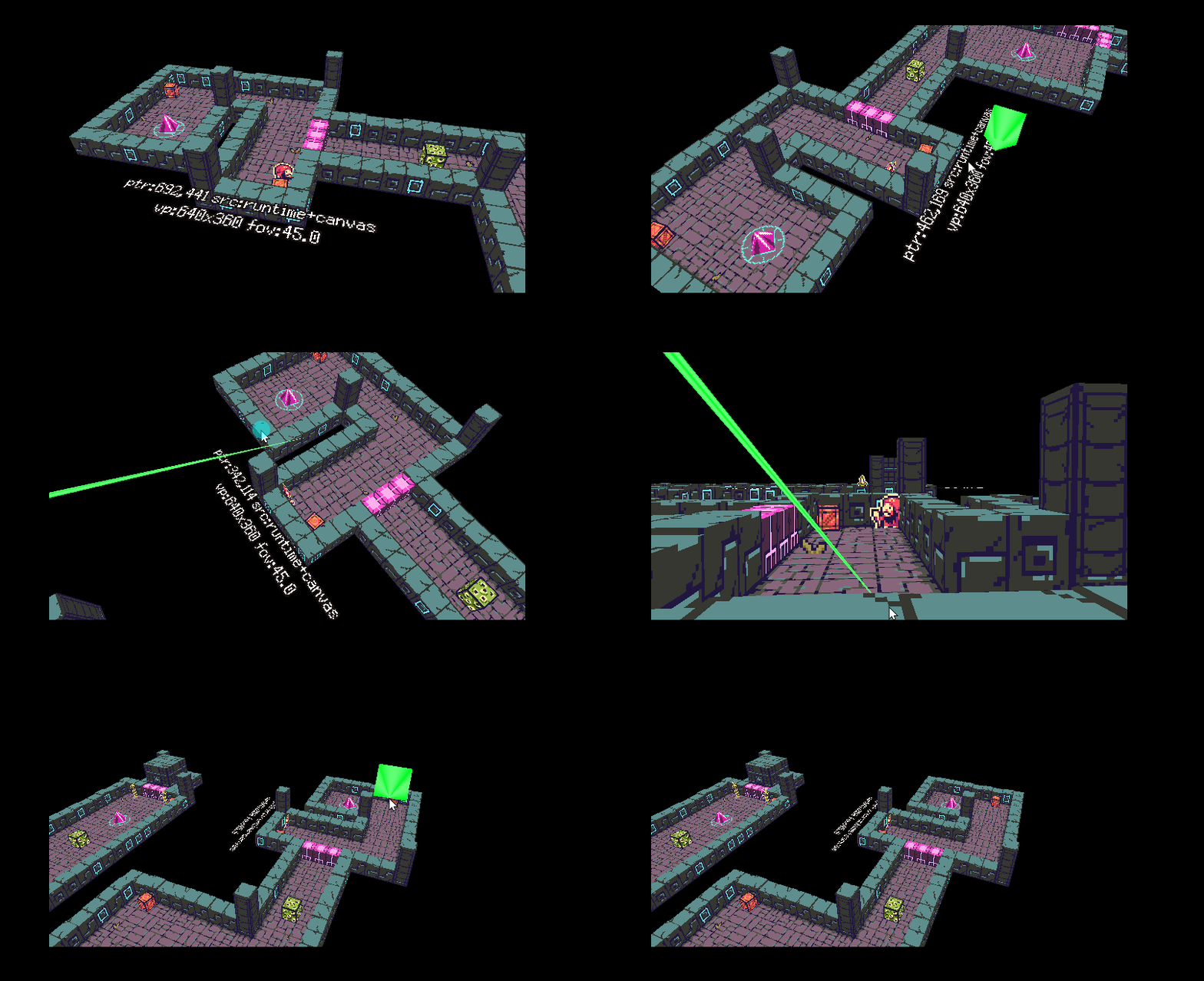
That's awesome!
Just to confirm, will it work with Construct's native 3D Model object and return the HitObjectUID of the clicked model?
If so, I'll definitely buy the plugin.
What you need is a standard raycast and this behavior will provide it for you now because I added the option to shoot in place of the cursor, Player.Laser3D.HitObjectUID allows you to read the UID. i updated behavior to version 1.0.0.1 in new options in properties
use this Condition and action
The mirror will not transmit its UID because it reflects the beam
Hi again! First of all, thank you for adding the mouse cursor casting feature so quickly.
I tested version 1.0.0.1 and got it working after disabling Use worker in Construct 3 (otherwise MouseCastDebug reported no ptr (no_canvas)).
However, I noticed another issue. The ray always originates from the object that owns the Laser3D behavior, not from the actual 3D Camera position.
My game is a point-and-click game with a rotating 3D camera and a free mouse cursor. Because of that, the ray should ideally start from the camera, just like a standard screen-space raycast.
I tried moving the behavior object to 3DCamera.CameraX, CameraY and CameraZ, but the ray becomes unstable and doesn't behave correctly.
Would it be possible to add an option such as "Use 3D Camera as ray origin", so the ray starts from the camera position instead of the object position?
I think this would make the behavior perfect for point-and-click games using Construct's native 3D Camera.
Thanks again for your work!
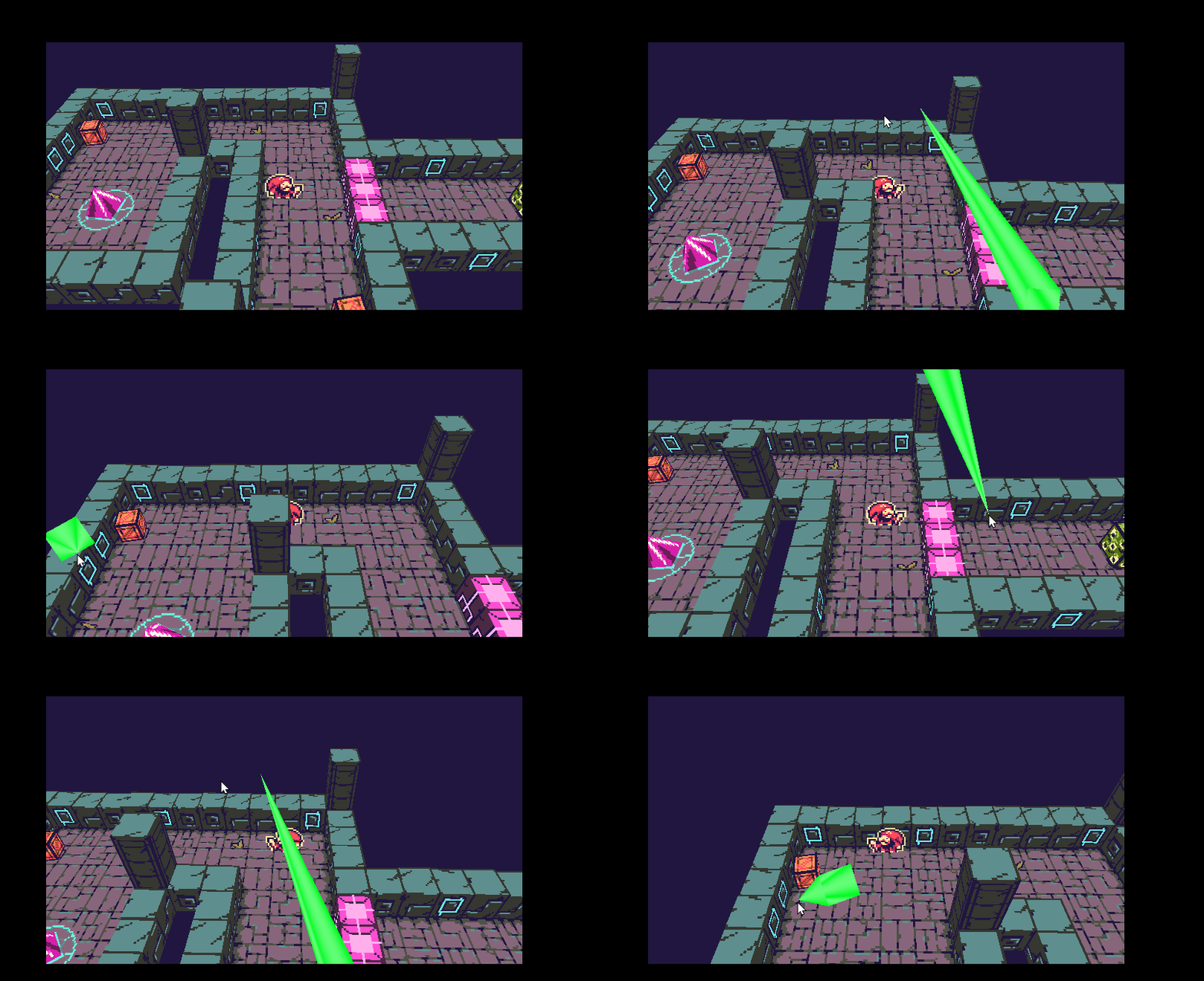
Yes, this is very close to what I need.
My camera can also rotate around the character, not only move with Lerp/Tween.
Will the laser origin and direction still follow the actual 3D Camera correctly while the camera rotates around the character?
I need the ray to always start from the current camera position and go through the mouse cursor, even during orbit rotation.