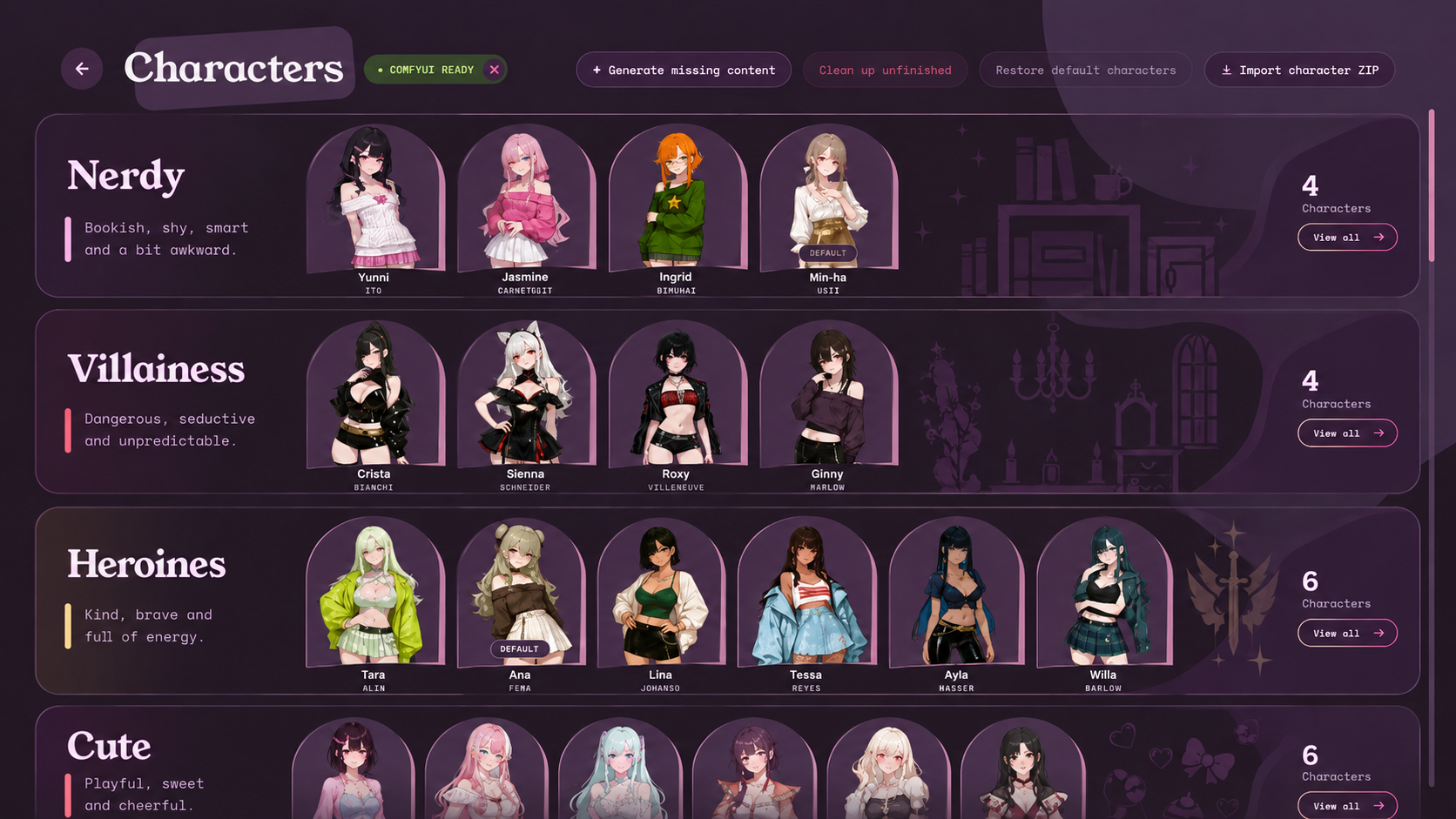
Hi VU students! Please use this thread to offer your feedback on the game:
- What do you like?
- What's frustrating?
- Are there any features you want to see in the future?
- Who's best girl?
I'd love to hear your thoughts! Venus University is currently in Early Access, so your feedback is invaluable to help me make a better game for everyone.
You can also include bug reports here or create a separate post on the main board for them, up to you. When reporting a bug, please include:
- Where and when it happened
- Screenshots if relevant
- What provider/model you are using
- Log file if you're comfortable sharing. You can grab a log file from the "Report a bug" button on the pause menu in-game or from Feedback on the Main Menu
FAQ:
- Q: Can I play in languages other than English?
A: You can instruct the LLM to translate to your language by going to Settings > Advanced Settings> Edit system prompt. At the very bottom, add "Translate your reply to <language>." Example: "Translate your reply to 日本語." This will only work in scenes, and certain hardcoded sequences will still be in English. A language feature is on the dev plan.
Known Bugs:
- You may get a SmartScreen warning about "unrecognized app" when downloading the game or opening it on Windows. Getting the game signed is way too expensive just to fix this, so you'll just have to trust that I haven't put a bitcoin miner in.
- If you are getting "Connection to Gemini API lost" on free-tier Gemini keys, try downgrading the model to 3.5 or 3.6 in the settings.
- Deepseek, Z.AI, and other APIs that don't support json_schema (expecting json_object instead) might not work with Venus University. If you want to use those models, I recommend accessing their models through OpenRouter instead.
- If you previously used "editPregens" to edit default characters, then auto-update to v0.5.0, the "reset to default" button for a default character will not work. To fix this, download the v0.5.0 version manually and restore your saves. You can skip the ComfyUI install by moving the data/services folder from your old install to your new install.