


Play game
That Sneaky friend -Brackeye's Game jam 2026's itch.io pageResults
| Criteria | Rank | Score* | Raw Score |
| Innovation | #747 | 2.958 | 2.958 |
| Gameplay | #860 | 2.792 | 2.792 |
| Theme | #873 | 3.125 | 3.125 |
| Enjoyment | #897 | 2.917 | 2.917 |
| Audio | #924 | 2.750 | 2.750 |
| Overall | #971 | 2.868 | 2.868 |
| Visuals | #1211 | 2.667 | 2.667 |
Ranked from 24 ratings. Score is adjusted from raw score by the median number of ratings per game in the jam.
How does the game fit the theme?
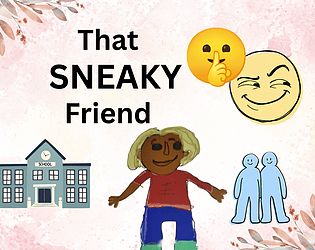
Kamir doesn't trust his friends or anyone. Drama seems to be leaking around. Can KamirSurvive the drama, Save the world and Juggle Culinary school as a culinary student?
What code and assets did you not make from scratch during the jam (if any)?
It's all made from scratch
How many people worked on the game?1
Leave a comment
Log in with itch.io to leave a comment.
Comments
Cool entry with a lot of work for one game dev. Well done!
The graphics are fun and is very ambitious.
Cool game very silly
It is cool that you have created all of the assets from scratch and also managed to make a game with them in such a short period of time. As for feedback it is a good habit to include a browser version - it increases the amount of reviews dramatically. I didn't have one in my last game jam and the difference in amount of received feedback is huge!
It's a little weird, but still great and fun
Quite an ambitious game! Huge props for getting all of that done during the jam. The art style is very unique, and the idea is really cool. Great job! 🦆
Haha, I love the cover art! That design is super funny and caught my eye right away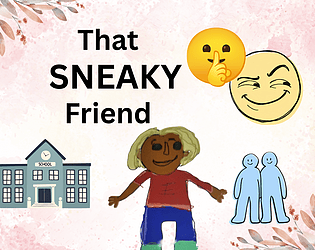
very clever and nice game cool work
Really ambitious game for a 7-day jam!! There's so much going on here XD Keep making games! :D
Damm, I've managed to know the lore of the game by pressing B, but how do you kick a football.o?
definitely on theme!! reading the controls before starting helped me a lot, because it was a little confusing at first but once I understood what was going on I had fun :)
The goal of the game is not clear, didnt really understand what to do, you could have added a text for an introduction to give us some lore and guide us on what to do.
Thank you for Feedback and for playing the game. I will add instructions in the game to make it more clear.
The game starts here but I am not sure what to do? The button only restarts. I check your buttons comment too.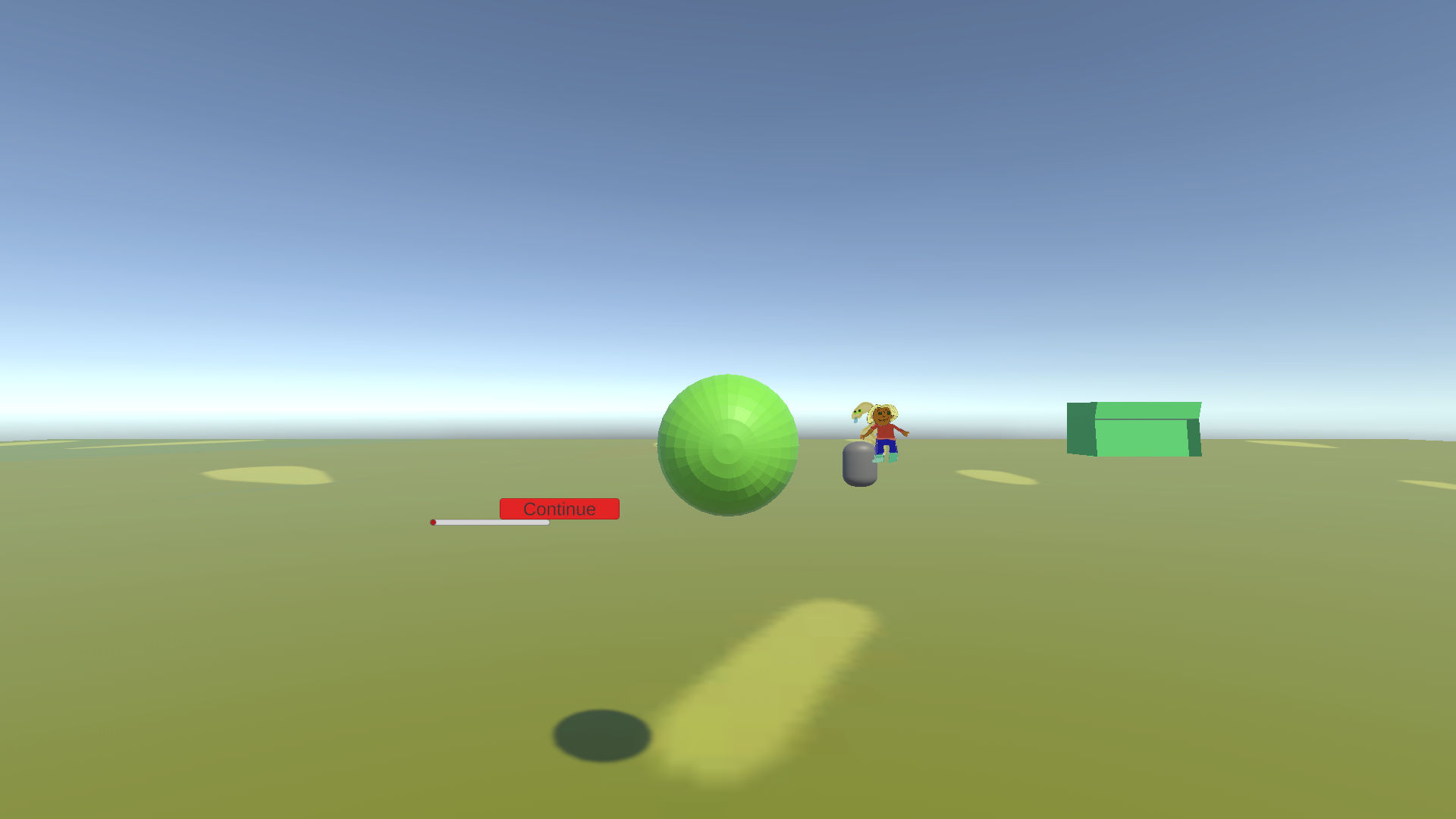
The red circle with the slider is actually your drama meter. In the football practice scene, Kamir is meant to stay away from Greenita, Stephen, and Gertrude's drama. If he goes near them, the NPCs will distance themselves, but if he engages in the conversation, the drama meter fills up. The goal is to kick the ball into the goal, and then press the continue button, which takes you to the next scene. (And no worries on the selfies—that's just the character looking at the screen!)
cool game.
Thanks that means alot . Glad you enjoyed the game 😊
Hi, I don't think you project is working. Just drops me straight into an empty world and I dont think I can move?
Ah no - I will fix it for u
Game doesn't start
Will fix it now . Hopefully after the fix it should the problem
Forgot to include controls so there are:
Keyboard & Mouse
* Movement: WASD or Arrow Keys
* Camera Look: Mouse Movement
* Kick Football: E key or Left Mouse Click (Fire1)
* Interact / Dialogue: C key (when close to an object or NPC)
Player Dialogue: B key
* Card Navigation (Left/Right): A / D or Left / Right Arrow Keys
* Confirm Card Selection: Spacebar or Return (Enter)
Controller Layouts (Xbox, PlayStation 4, Nintendo Switch)
| Action | Xbox Controller | PlayStation 4 Controller | Nintendo Switch Controller |
| Movement | Left Analog Stick | Left Analog Stick | Left Analog Stick |
| Camera Look | Right Analog Stick | Right Analog Stick | Right Analog Stick |
| Kick Football | A Button | X Button (Cross) | B Button |
| Interact / Dialogue | Context-dependent / Left stick | Context-dependent / Left stick | Context-dependent / Left stick |
| Card Navigation | D-Pad Left / Right | D-Pad Left / Right | D-Pad Left / Right |
| Confirm Selection | A Button | X Button (Cross) | B Button |