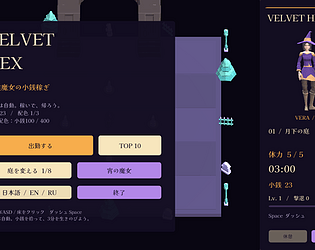
Thanks for asking! I didn't mean a management issue. Near the start, I couldn't quite reach the first high ledge with the double jump; that might simply have been my timing, so I can't confirm a controls bug. Separately, the area title briefly overlapped the instruction on screen. Hope that clarifies it!
A member registered 27 days ago · View creator page →
Creator of
24 jobs before dawn. Auto spells, relic builds, 3 bosses. Free 3-contract demo · JA / EN / RU
Survival
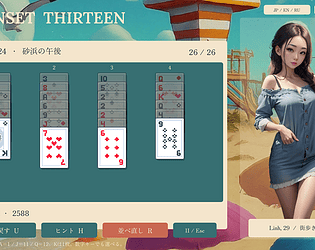
Pair to 13, collect beach postcards and seven outfits. 24 journeys • 日本語 / English / Русский
Card Game
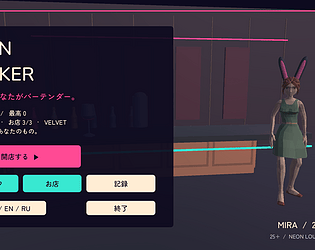
Pick, shake, pour. A tiny neon bar with three grown-up hosts, eight cocktails and a two-minute shift.
Simulation
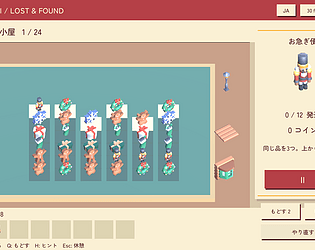
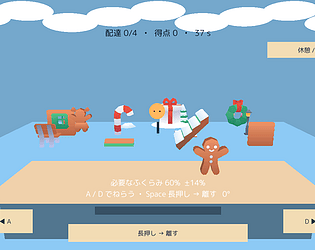
Match three little presents, one stack at a time. Keep room on Santa’s packing tray.
Puzzle
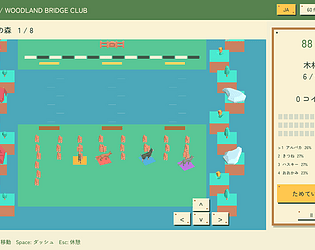
Gather wood, dash past rivals and build the quickest bridge with a tiny animal crew.
Racing
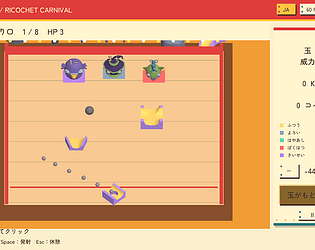
Bank the shot, bonk the monsters. A pocket carnival of bouncing balls and tiny creatures.
Shooter
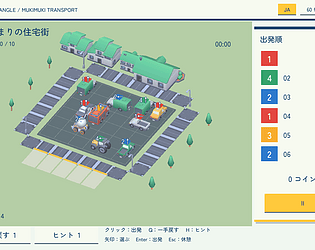
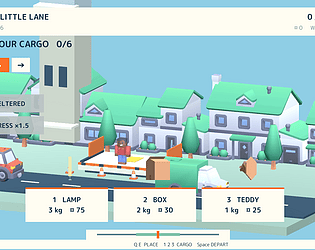
A tiny town, a tangled car park. Find the right departure order before the waiting bays fill up.
Puzzle
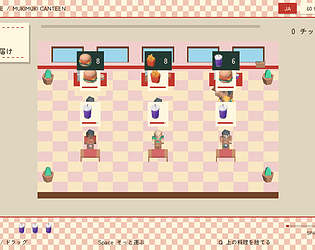
Stack the dishes. Dodge the rush. Keep the tray steady for one more order.
Simulation
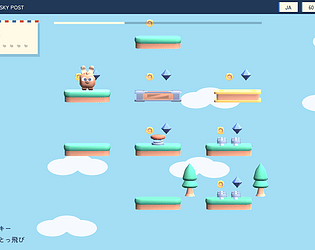
Hop a little higher. Pick a pocket-sized pet and chase treasures through eight skies.
Platformer
Little fish, a big escape. Gather a shoal, dodge hooks and swim toward the light.
Action
Every treasure weighs you down. Climb another floor or take your haul home?
Role Playing
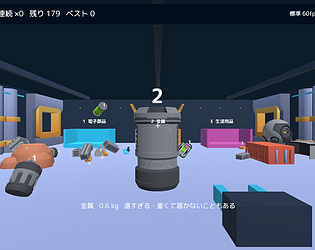
A hungry hole, a busy warehouse. Swallow the right cargo and deliver before time runs out.
Action
Grow a ghostly crowd through number gates. Save sweets for the trouble ahead.
Action
More cargo, more cash, less balance. Take the windy express or play it safe?
Simulation
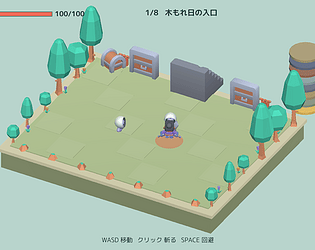
Reclaim your snacks, one tiny dungeon floor at a time. Sword, frying pan or magic?
Role Playing
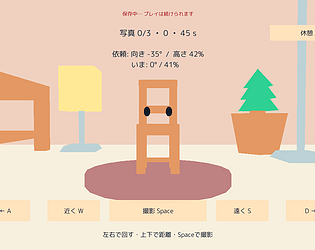
The chair has a face. The client has demands. Turn, frame and photograph eight silly furniture models.
Puzzle
Aim, puff, release. Inflate a tiny stamp to the right size and send parcels through eight breezy cloud offices.
Action
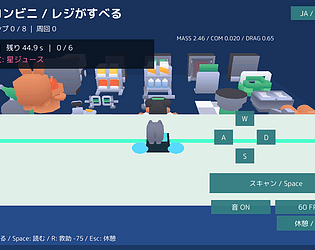
A tiny animal cashier on a slippery counter. Scan six requests before the 45-second shift ends.
Action
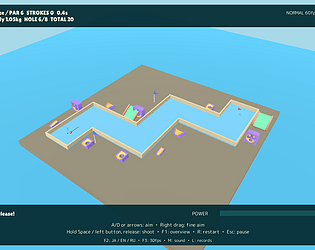
Eight tiny islands. One untrustworthy golf ball. Ice, sea breezes, moon gravity and same-seed rematches.
Sports
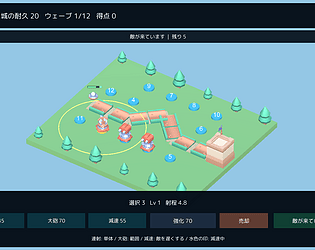
A tiny toy castle against a sky full of trouble. Build, upgrade and hold the line across eight maps.
Strategy
Grab the junk. Twist it, fling it, sort it. Three-minute space cleanup and 24 messy missions.
Simulation
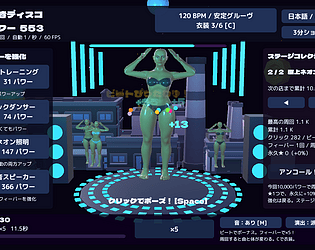
Click to the beat. Build a ridiculous muscle party. Neon stages, costumes, fever and a three-minute score attack.
Rhythm
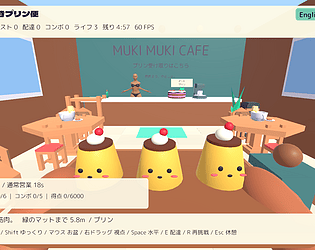
Three smiling puddings. One very wobbly tray. Eight shops, changing physics and delicious disasters.
Simulation
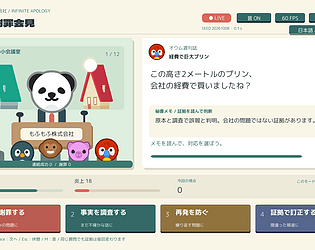
A tiny animal CEO, a huge PR disaster. Read the evidence. Survive the questions. 日本語 / English / Русский
Puzzle
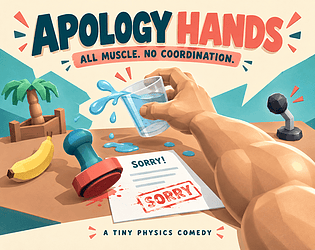
All muscle. No coordination. A tiny first-person physics comedy at an apology press conference.
Simulation
Recent community posts
itch.io Community » General » Release Announcements · Posted in Star Trade Management — stock the shelves, hire a crew, then head out on an adventure [Windows]
v549 update — your first shelf starts in an empty shop.
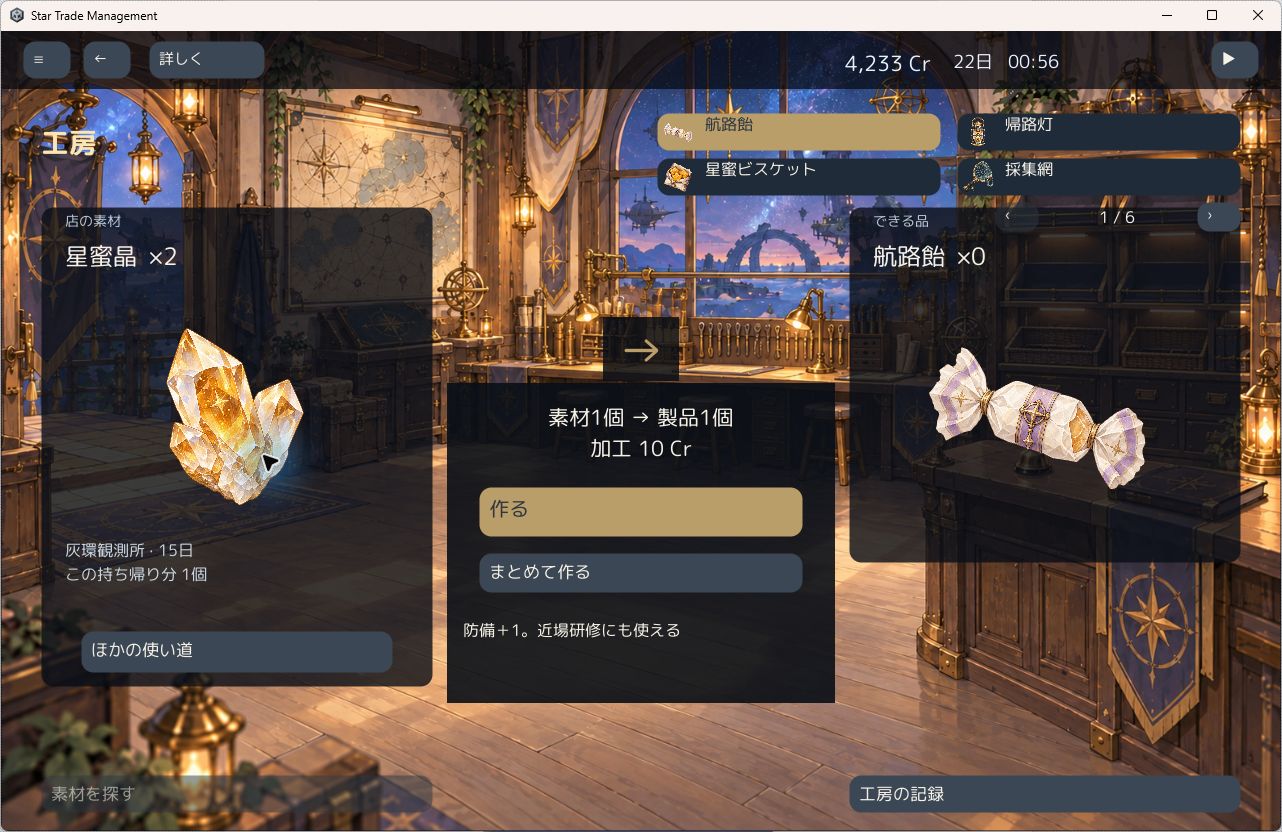
We have updated Star Trade Management: place your first shelf, carry the stock yourself and serve customers. As you hire companions, you can leave them on stocking and checkout while you plan your next trip. Materials from a journey can become products for your shop.
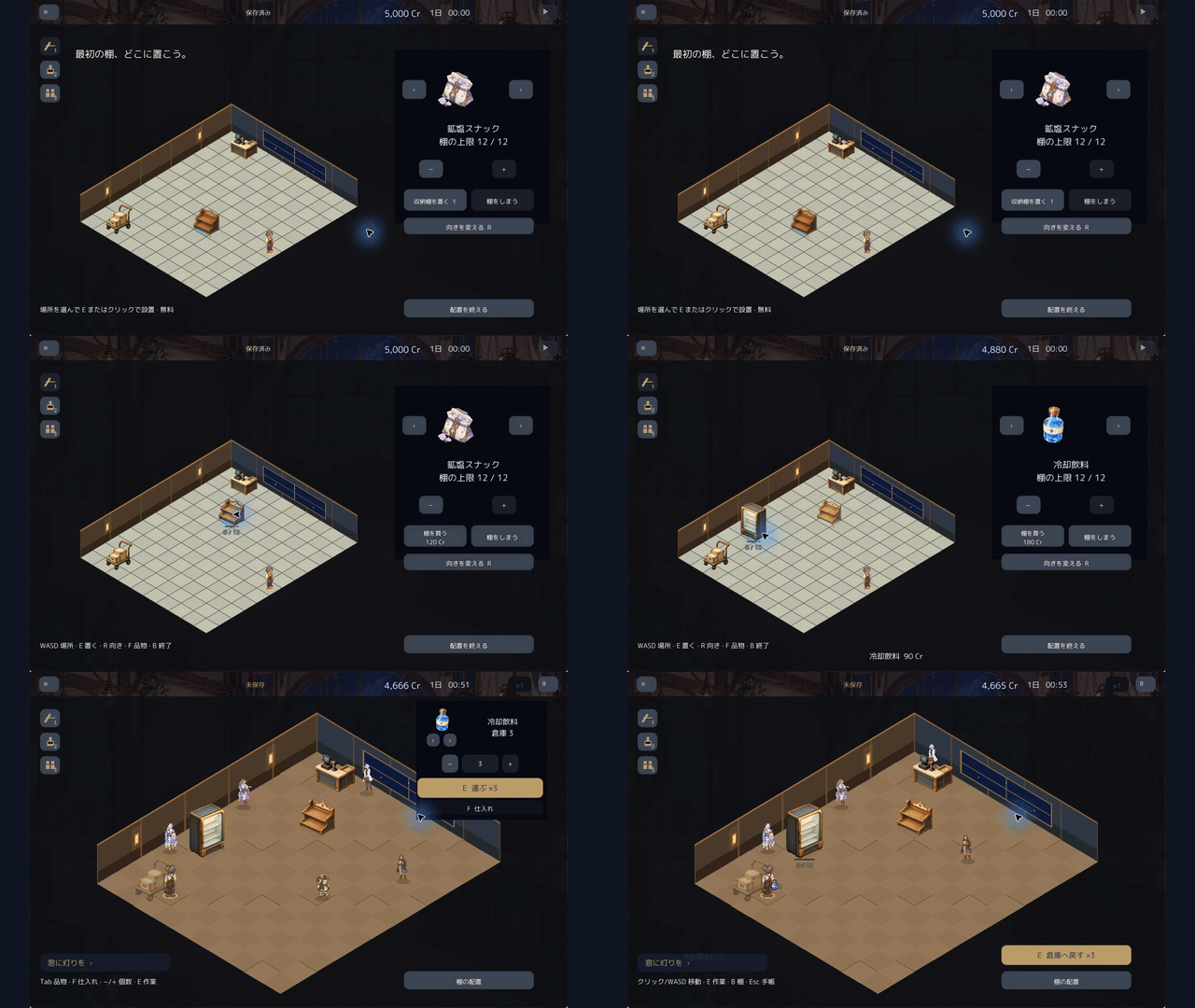
The update also improves bulk ordering and lets two helpers replenish different products at once. There is another route through the story, and you can keep running the shop after the ending.
Free Windows demo: three trading days. The full game is US$2.99. This GIF shows the full game v549 with Japanese UI; the free demo is v411 and starts differently. Japanese, English and Russian are supported.
Update details and more gameplay
Generative AI assisted the game’s images, text and code. Footage is from actual play, with waits cut.
We are still hoping to find our first full-game buyer. If the demo makes you curious, your support would mean a lot and encourage us to keep making games. No pressure — honest feedback is welcome, too.
itch.io Community » General » Release Announcements · Posted in Star Trade Management — stock the shelves, hire a crew, then head out on an adventure [Windows]
v429 is live — smoother stocking, checkout and crafting.
Star Trade Management starts with a small shop: carry goods to the shelves and serve customers yourself. Hire a crew to share the work, then bring materials back from adventures to craft and sell.
This update improves manual shelf stocking and checkout scanning, lets you inspect and assign crew jobs from the paused shop floor, and makes it easier to move a chosen crafted item from the workshop to the right shelf.
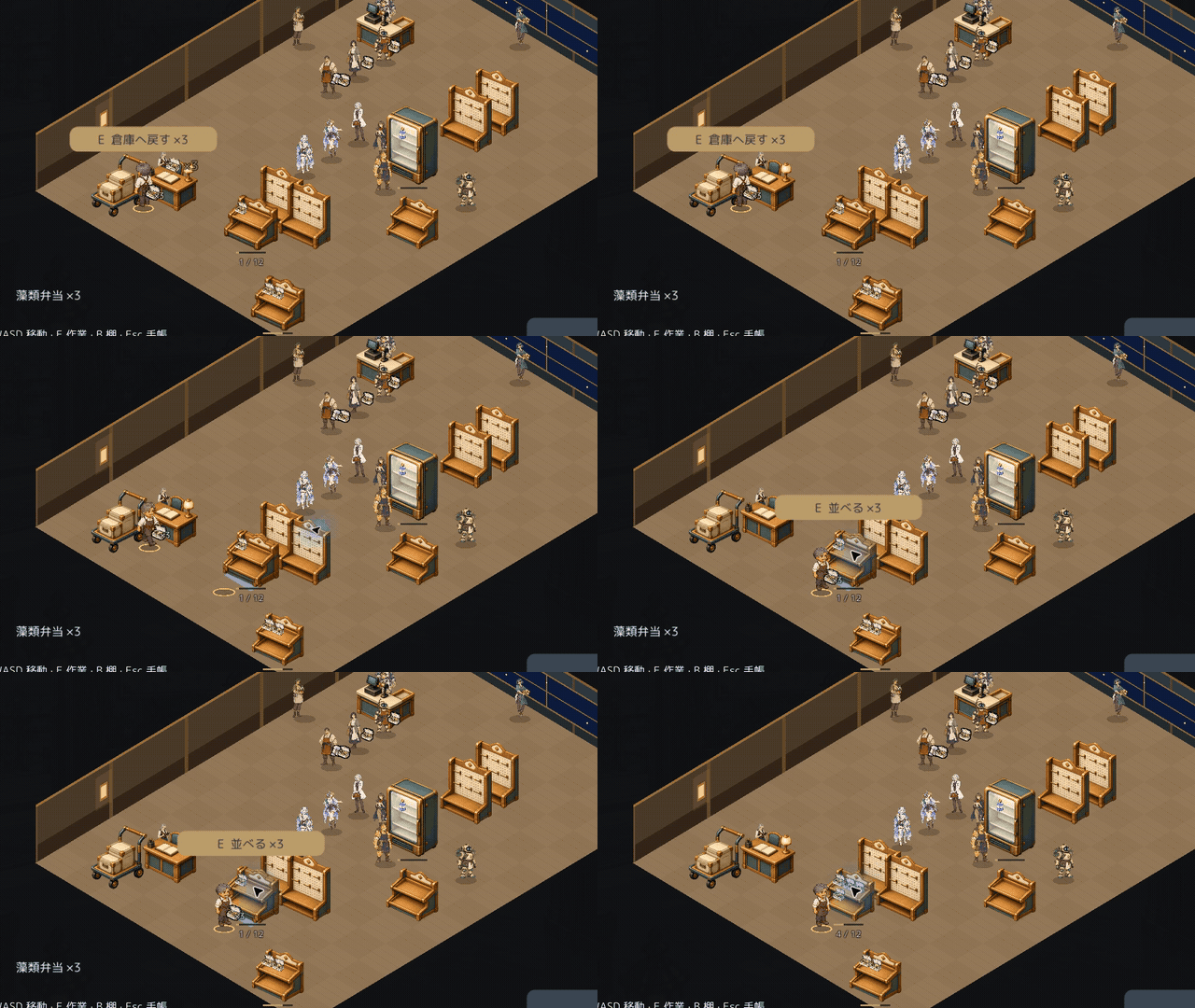
Try the free Windows demo: three trading days. Japanese, English and Russian are supported. Demo saves can continue in the full game.
The full game is v429, US$2.99. The free demo remains v411; it does not include every v429 improvement.
Update details in Japanese, English and Russian
AI disclosure: generative AI was used for images, text and code. The GIF shows actual gameplay with a Japanese interface and shortened idle sections.
itch.io Community » General » Release Announcements · Created a new topic Star Trade Management — stock the shelves, hire a crew, then head out on an adventure [Windows]
Hi everyone! We have released Star Trade Management (星骸商会), a shop-management and adventure game for Windows.
At first, you do the work yourself: walk to the stockroom, carry goods to the shelves and serve customers at the checkout. Choose your products, set prices and arrange your shelves. As the shop grows, hire companions to handle stocking, checkout and procurement.
Then take a companion on a journey. Bring materials home and decide whether to sell them, craft something new or use them for requests. What you bring back becomes part of your next day in the shop.
The first release is available now for US$2.99, with Japanese, English and Russian support. The screenshots below show the actual game; their interface is in Japanese.
https://mukimuki-games.itch.io/star-trade-management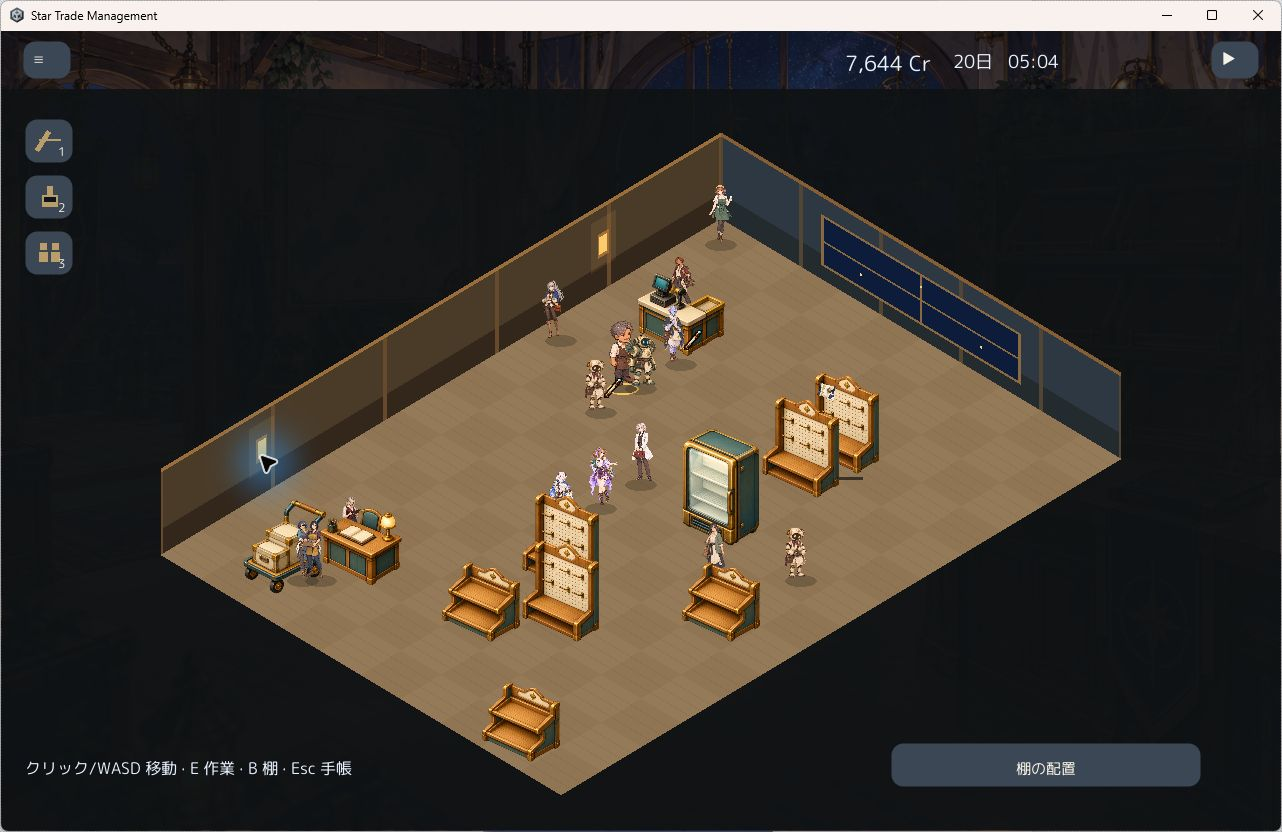
We would love to hear what kind of shop you would build.
AI disclosure: generative AI was used for images, text and code. Asset credits and licenses are included with the game.